Prairie Light eBook Series

Showing posts with label photo retouching. Show all posts

Saturday, February 28, 2015

Heads up on a Great New Social Sharing Site for Photographers - Introducing YouPic!

Hi, fellow photography afficionados! As per the title of this blog post, I wanted to alert you to a really, Really (REALLY) great new social sharing site for photographers called YouPic!

screen cap of YouPic website
Really!

What's so great about it? Well ... let's see:

  • It's free
  • It's unlimited
  • It's run by photographers from Sweden. (I think.)
  • It's sort of a cross between Facebook and YouTube, so everybody gets a home page and a "feed" page
  • I get to see dozens of beautiful and inspiring photographs any time of day or night
  • and it's gotten my photographs more of a global audience than ANY OTHER SITE EVER, and that includes my own photography site!
What's not to like?

Well, I could go on and on but to give you a better idea of what it's all about, here's what YouPic says about themselves:
  • "YOU Inspired: Find high quality inspiration for your photography from millions of photographers."
  • "YOU Admired: Showcase your best shots and be rewarded with tremendous exposure, awards, and love."
  • "YOU Improved: Improve your photography dramatically with photography tips from peers and by following your progress"
Wow. What could you possibly have to lose? I know what you're thinking. Is it just hype or is all that really true? Well, ever since I uploaded my first photo (after responding to an ad that appeared on Facebook January 1, 2015), I've gotten 12,486 views, have been liked (favorited) 1,088 times, and have been shared (re-pic'd) 571 times. In only two months time! Plus, I've gotten to see, like, and comment on hundreds of fabulous photos in the categories of nature, landscape, black and white photography, street photography, portraiture, fine art photography, etc. from all over the world, in similar fashion as one would view or comment on Facebook entries. I feel like a world traveler without ever leaving home! :) 

Other participants at the site have been so generous and so kind. It helps, I think, that YouPic uses an award system (and a points system) to encourage people to interact. And the more you interact, the more photographers interact with you. Even as a hobbyist I'm not a great photographer, and I certainly don't have expensive or fancy equipment. But on YouPic really great photographers actually take the time to enjoy my photos! What photographer wouldn't like that? 

So, has my photography improved as they claim it will? Well, only time will tell, but I truly believe my photos will improve. For one thing, I can read what people say about their individual process, see what brands and types of cameras they use, and also see what camera settings they use to achieve a particular effect. Besides, I think it just helps to look lots of good photos from fellow enthusiasts - Other people's photos help you see the world in new ways, see things you've never noticed, and perhaps give more thought to how you want to fill your frame before you press the button.

Anyway ... you can tune into your favorite news channel and get all the bad news going on in the world. Or you can join YouPic and see all the beautiful photos coming in from all over the world. The choice is yours, but I think you know which one I'd recommend! Warning, though - just like bad news, beauty can be addictive!

:)

JuneBug

P.S. Here's a link to my YouPic home page. Come on over and have a look! Better yet, come on over and join us! Again, what do you have to lose?  (except possibly some time well-spent?) :)

Friday, February 27, 2015

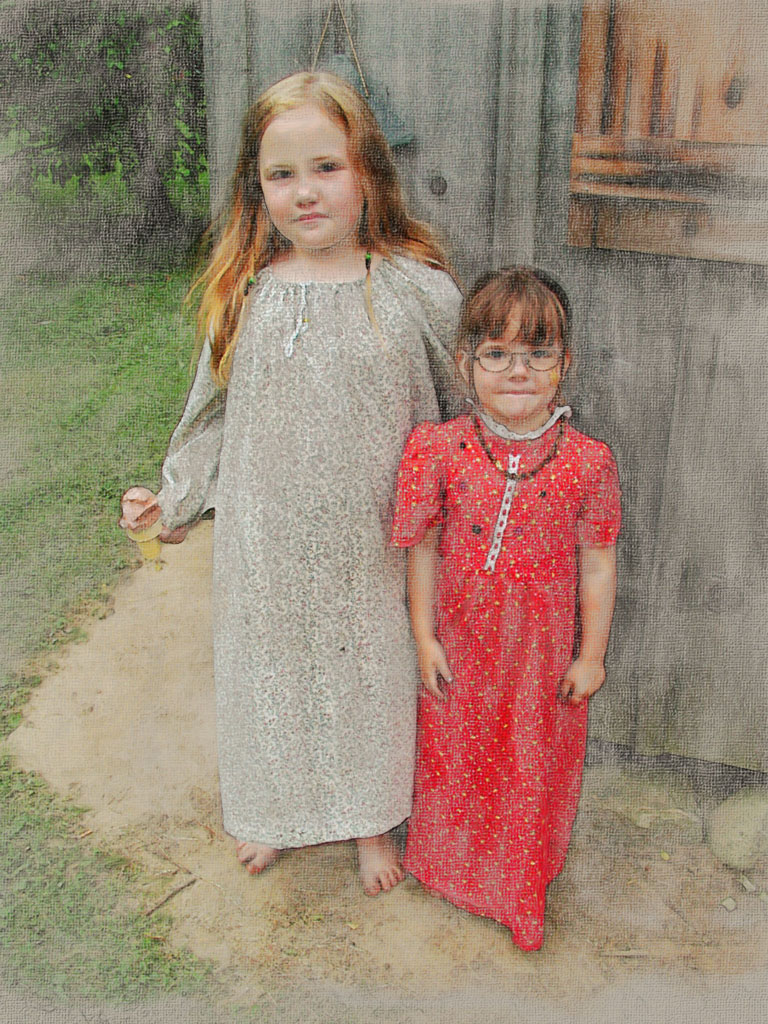
Experimenting with Turning Photos into Digital Watercolor Paintings

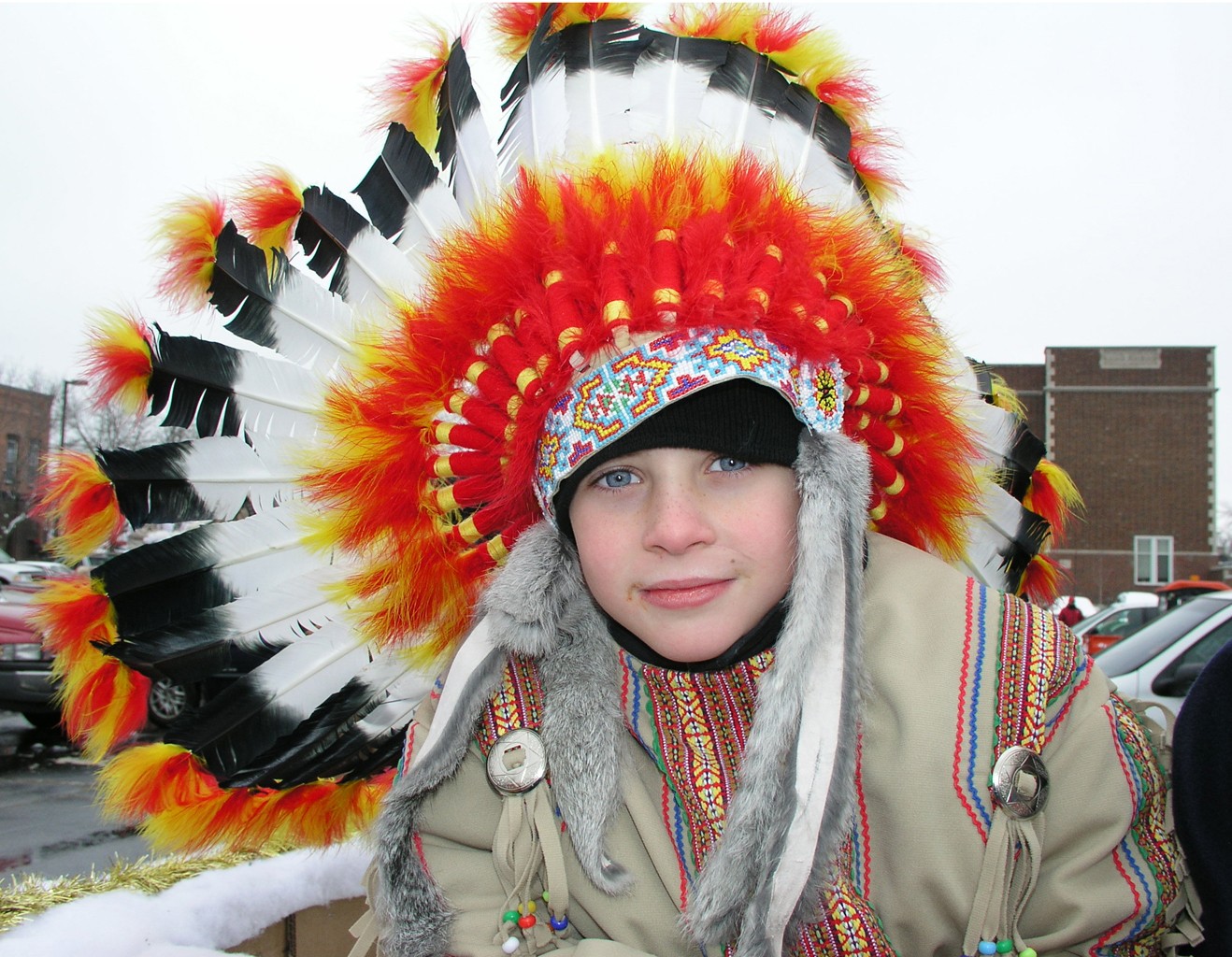
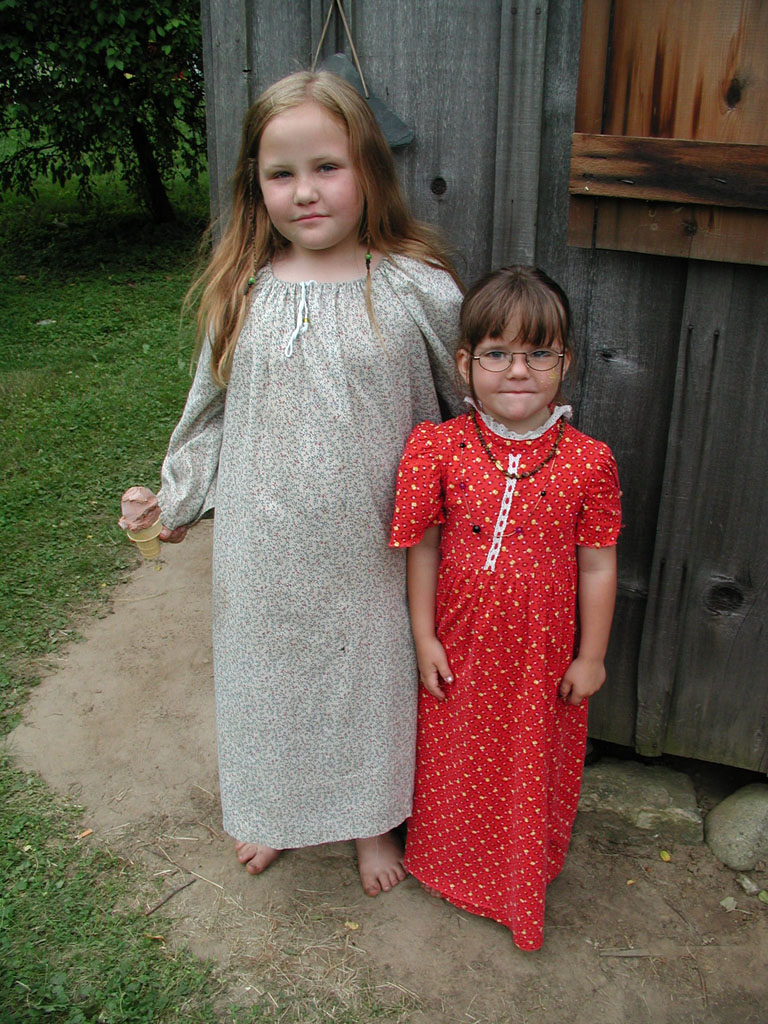
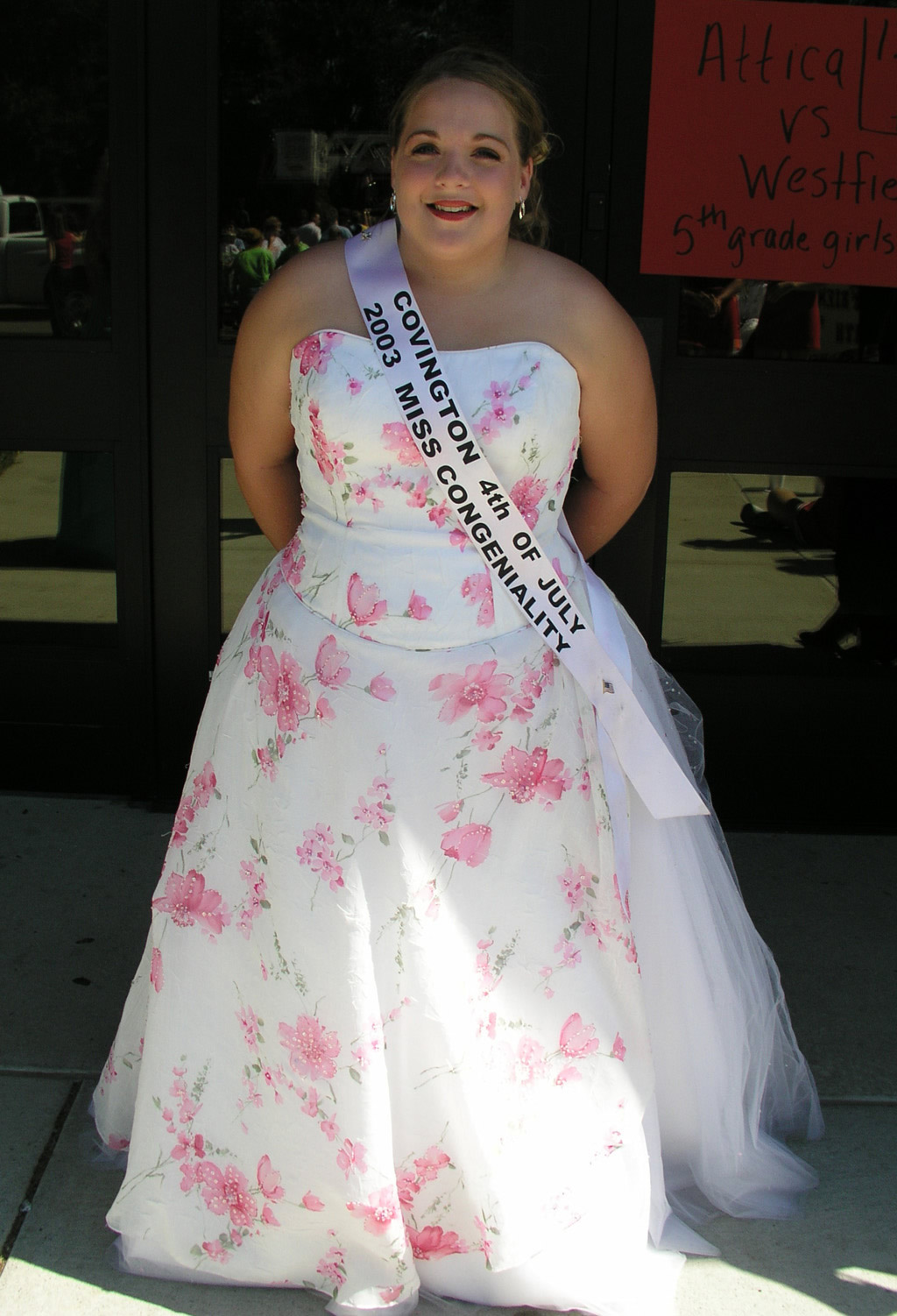
Junebug's watercolor rendition, derived from various methods. See original photo taken in 2003 at the Attica Potawatomi Festival Parade - "Sunshine Queen"
If you google the phrase "how-to turn photo into watercolor tutorial" you'll get about 1,700,000 million results (as of this writing). To date I have only tried out four or five of these (see list below), so this little post by no means represents a comprehensive survey of the literature. ;) But if (like me) you genuinely want to know more about this topic, you have to start somewhere.

I started years ago by simply applying Photoshop's filters to not-so-optimal photos just to play with the software or to experiment with preserving a beautiful memory. But I felt I could do better if I only knew more ...

Saturday, November 29, 2014

Introducing My "Scrappy" Photography Site

Greetings!  I am a semi-retired programmer/analyst and instructional designer who loves to dabble in photography and poetry and of late, scrapbooking - both paper-based and digital. For many years my husband Benny had a furniture refinishing business called Second Looks (http://www.secondlooks.biz) and I put up a photography site http://www.photography.secondlooks.biz to complement his business site by offering free wall-paper.

Doctors, Lawyers, and Indian Chiefs


So today it finally occurred to me that since I started this blog around 2006 in part to talk about my interest in scrap-booking and photography, I should introduce my photography site on this blog -sometimes it takes me a while to see the obvious!

But first a little about my photographic journey.

Thursday, October 30, 2014

How to Bring Out the Story in your Casual Photos with Photoshop Filters

I've been wanting to attempt an article for the scrap-booker or casual photographer (folks like me, in other words) to share how I get the most story-telling "bang" out of my casual photos. If, on your quest toward becoming the expert photographer who always takes the perfect picture, you're like me and can't afford really high-end camera equipment with larger sensors, or if you just don't quite have the on-the-spot photography skills to meet the demands of every memorable moment you encounter, you may end up with a lot of bad, so-so average, and merely "okay" photos. (I'm not saying, by the way, that becoming a better photographer is a bad ambition). In fact sometimes even your really good photos may not quite reflect the image you stored in your mind's eye when you pressed that camera button; and if you're like me, you're always seeking ways to make your photos look even better. But good, bad, or ugly, the photos you've already taken are your reminders of the memorable events or scenes of beauty from your life. They're too good to throw away, yet somehow they remain pale, distant cousins of the actual experience - and you desperately want to breathe life back into them. So what I want to discuss in this article are ways I've found in Photoshop CS5 to change my so-so images into the image I hoped I would get when I pressed the button on the camera. These techniques may also apply to Photoshop Elements and Light Room.

Wednesday, December 29, 2010

Photoshop Ads and Posters

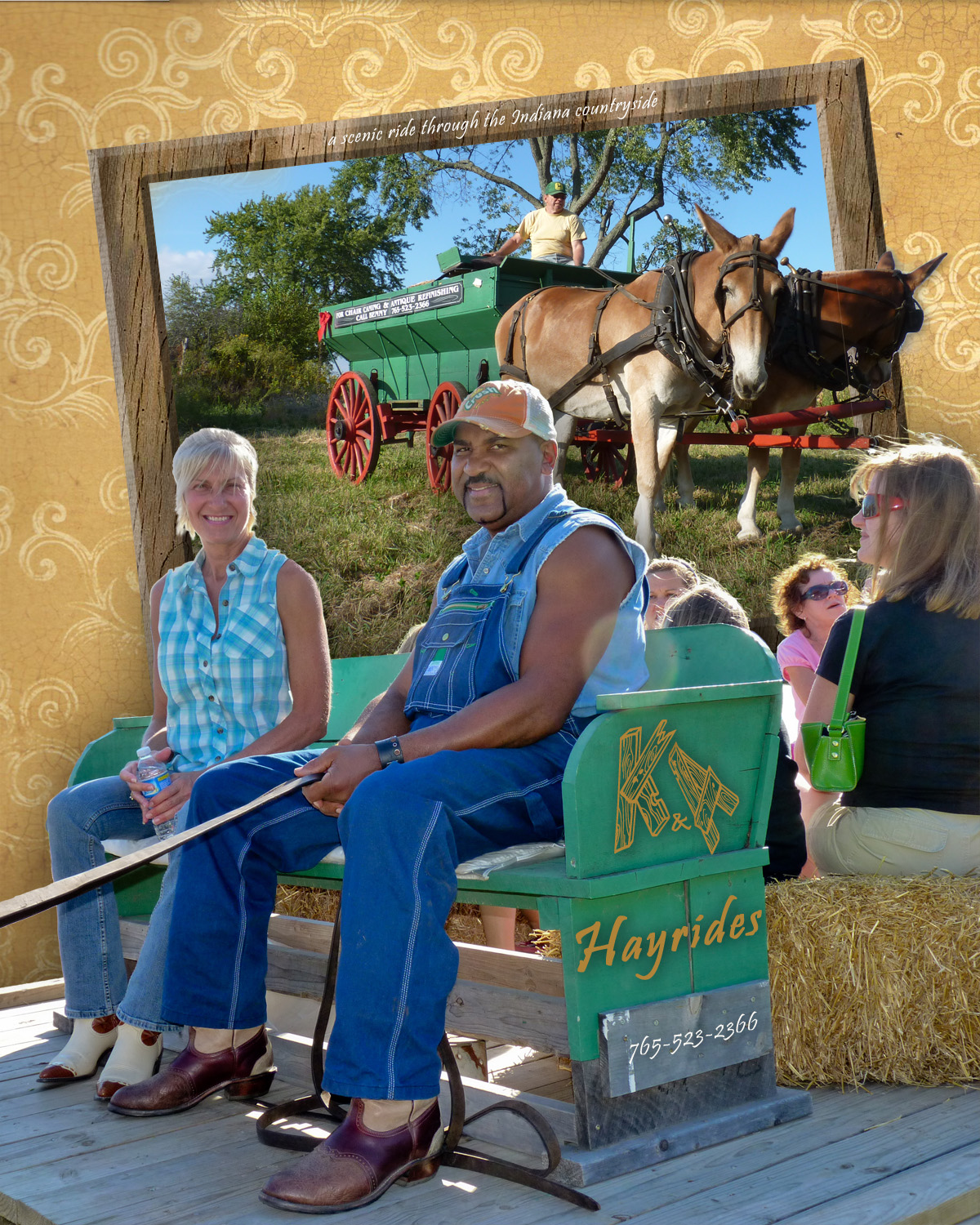
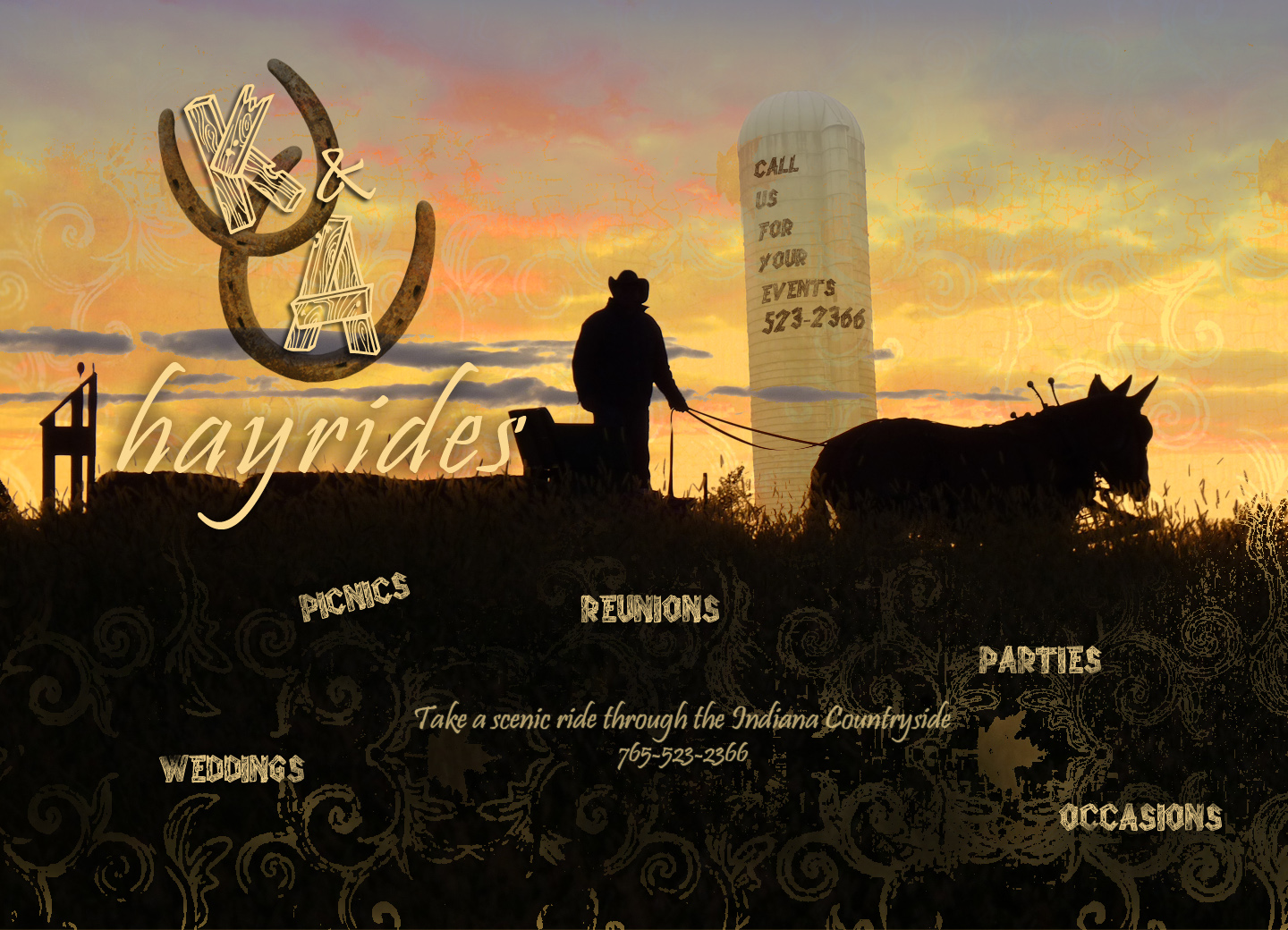
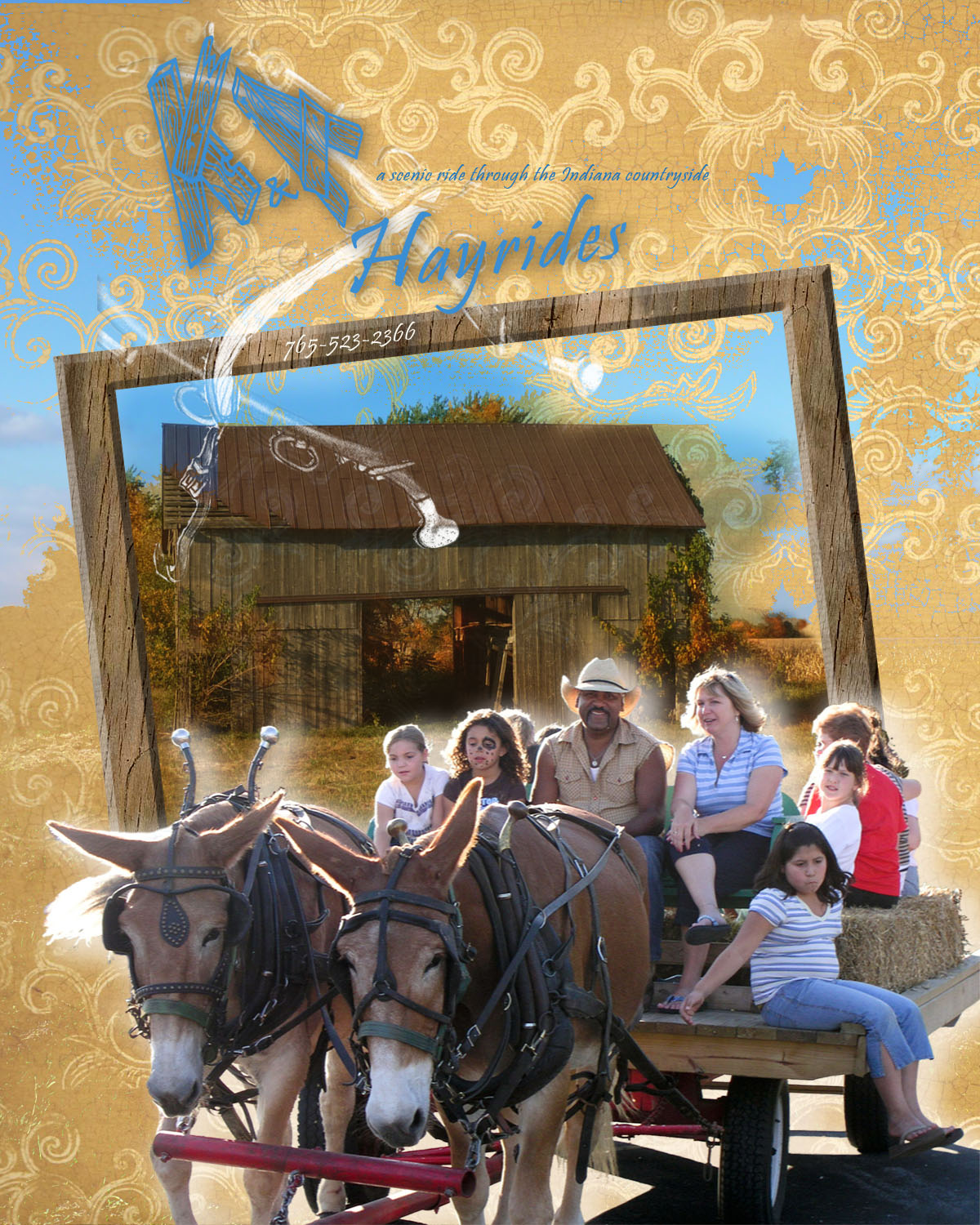
My previous posts have sported a series of assignments in Photoshop effects from the Photoshop Cookbook for my computer graphics class this fall. I had lots of fun with those. The next assignment in that class was to design a poster ad on a product or service. I chose to feature our mules Kate and Annie, who have appeared on these blog pages before. Benny hitches Kate and Annie up almost every day during the spring, summer, and fall and takes them for a ride up and down our county roads. Sometimes instead of hitching them to the wagon, he and Bonnie saddle up and ride them. So now that the neighbors have seen them do their thing, Benny gets invited frequently to give hayrides for local outdoor events. Hence, this series of posters (click on each image to get a larger view, if desired):


Woodcuts, oils, and water colors

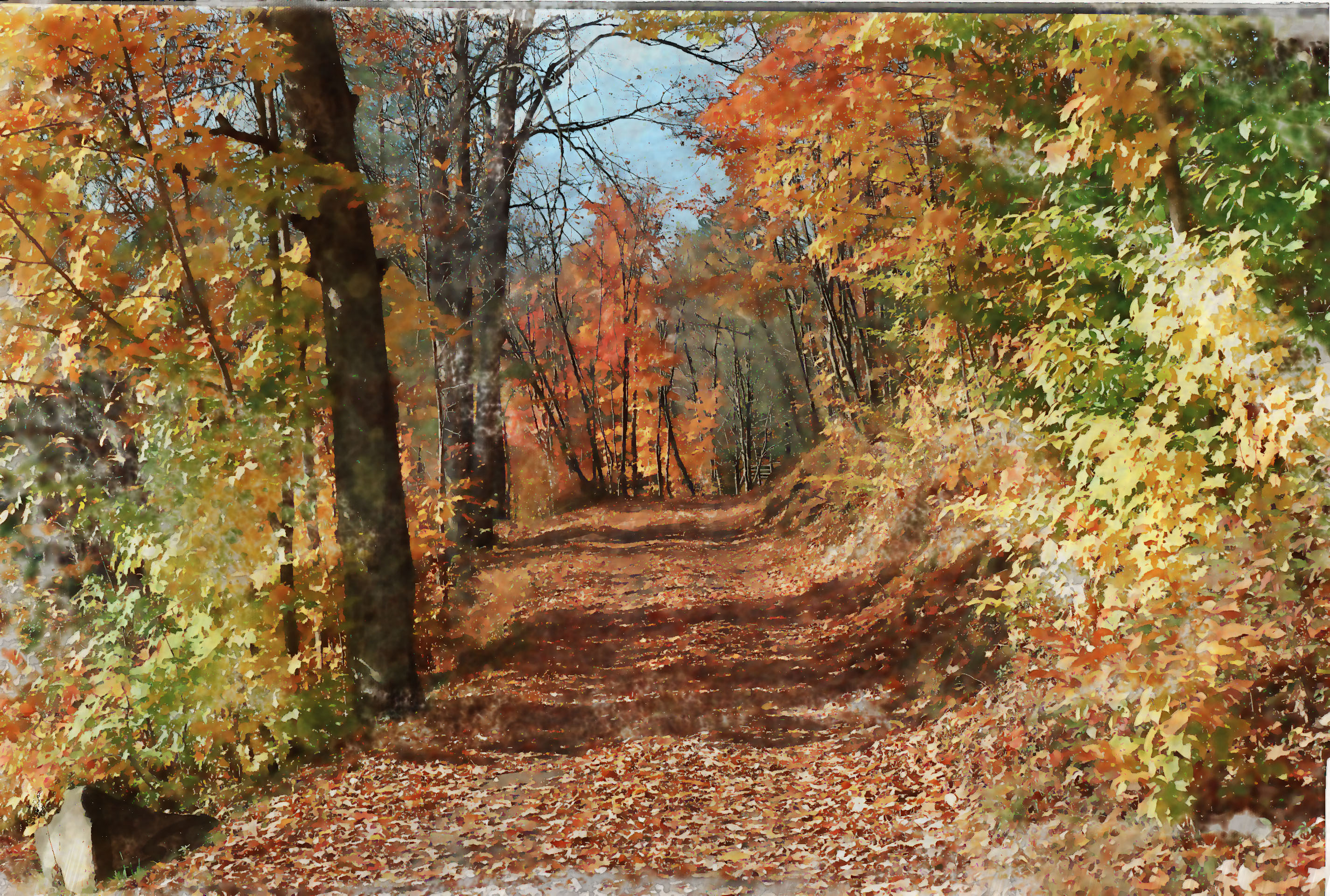
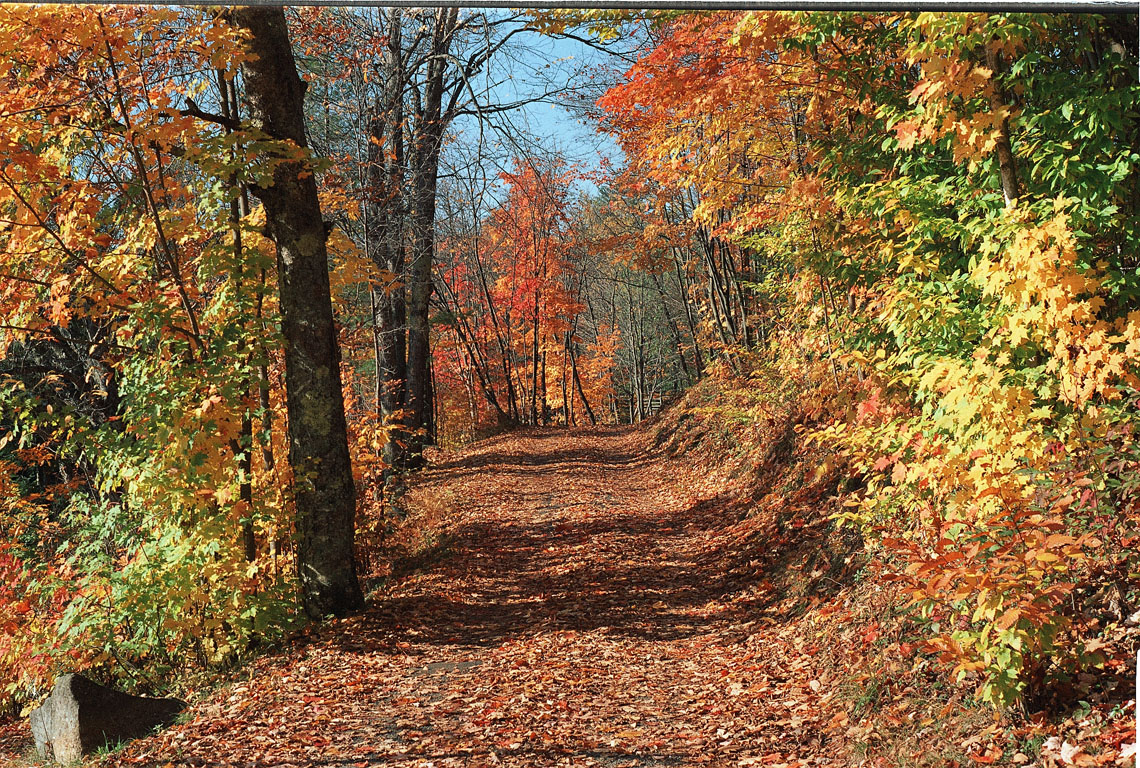
Continuing on from my previous post about my computer graphics class this fall, following are some Photoshop Cookbook effects that make photos look like oil paintings, water colors, and woodcuts. You can click the thumbnails to get the full-size image - in many cases doing that will help you distinguish the effect from the original photo more clearly. In some cases I tried different effects with the same photo.

Water Color Effect
Original
Original
Original

Following are oil effects:

Oil EffectOriginal
Original
Original

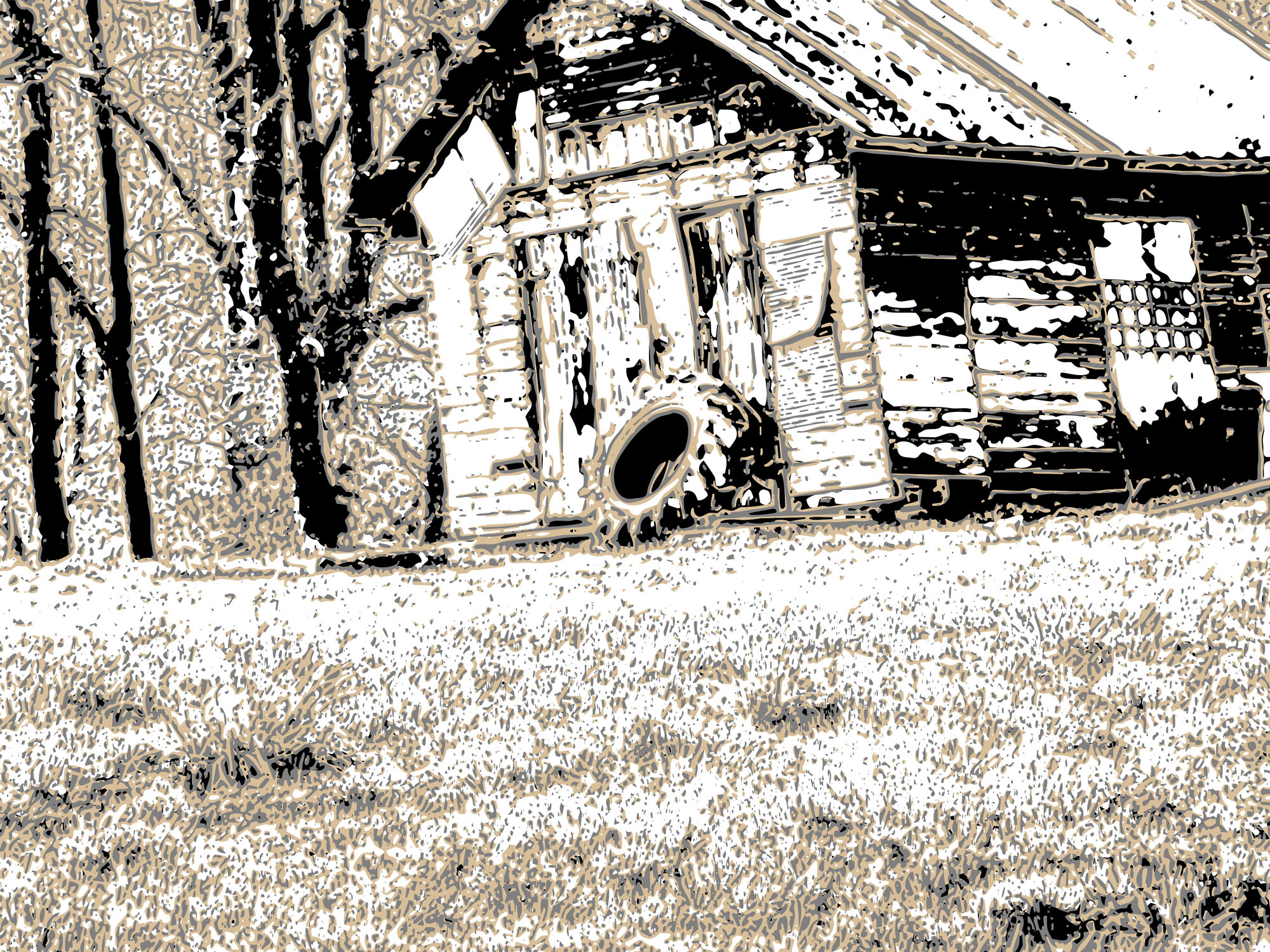
The following effect converts a photo to a woodcut (remember doing those in art class?)

Woodcut EffectOriginal

In many cases these effects aren't necessarily an improvement on the original photo, but they were fun (and sometimes frustrating) to do!

JuneBug

More Photoshop Effects

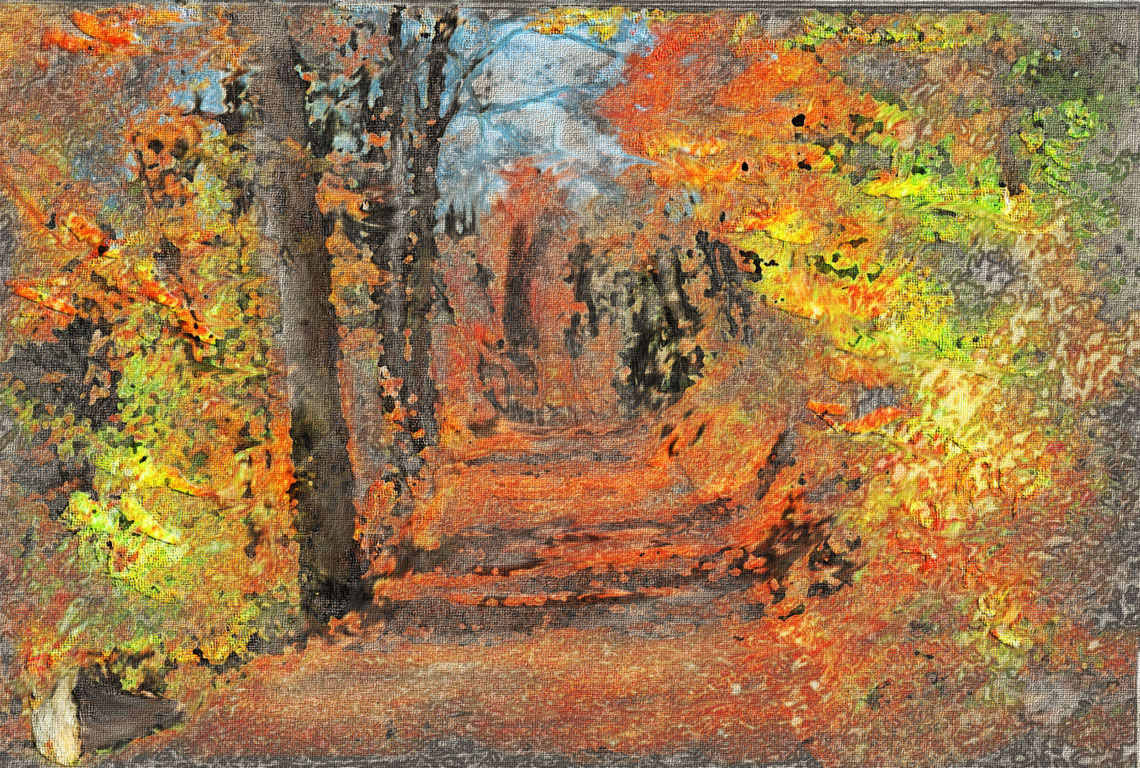
Continuing from my previous post on my computer graphics class this fall semester, here are some more fun Photoshop effects from the Photoshop Cookbook. This first one is called Summer to Fall (click on images to view larger version, if desired):

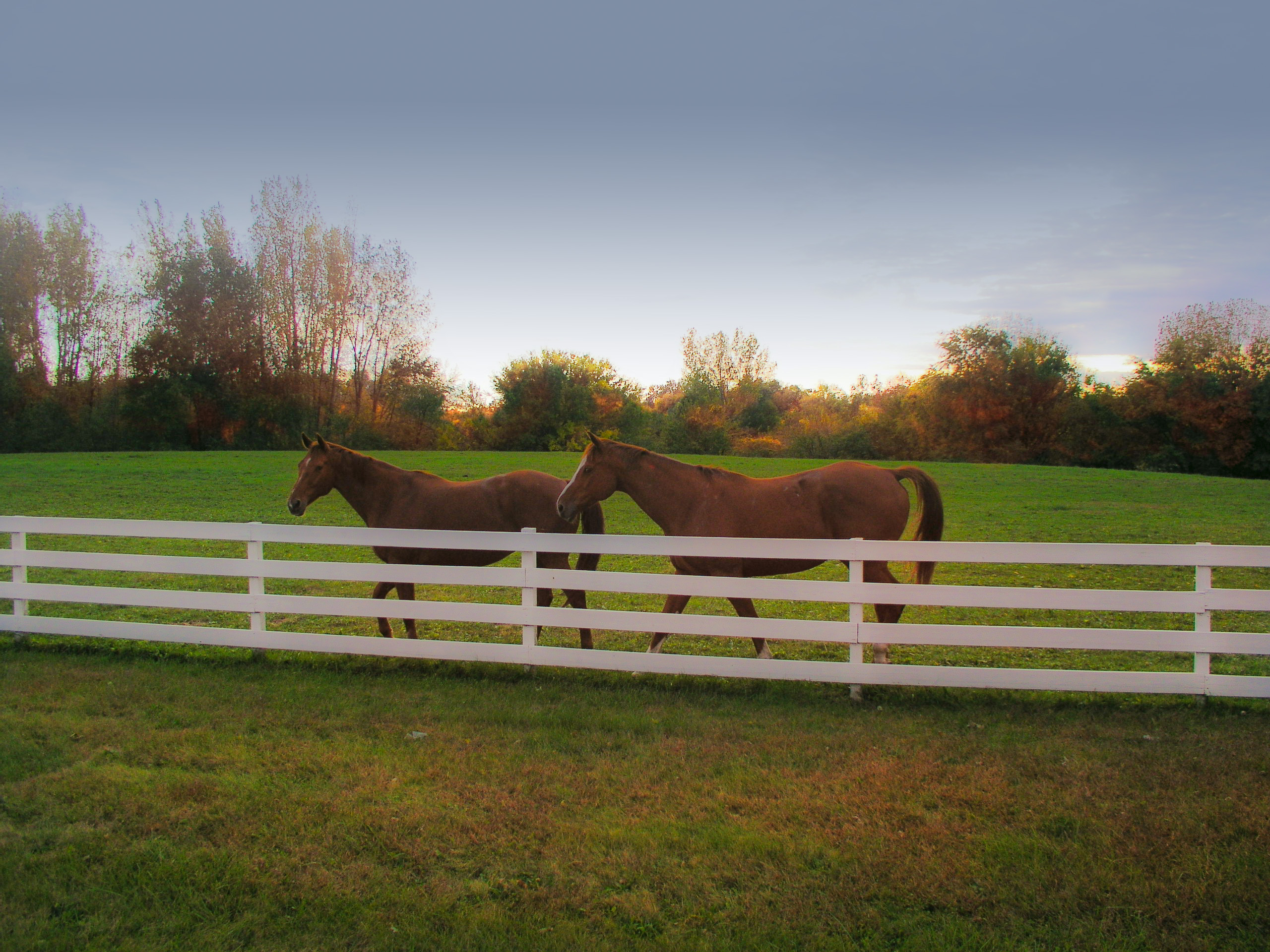
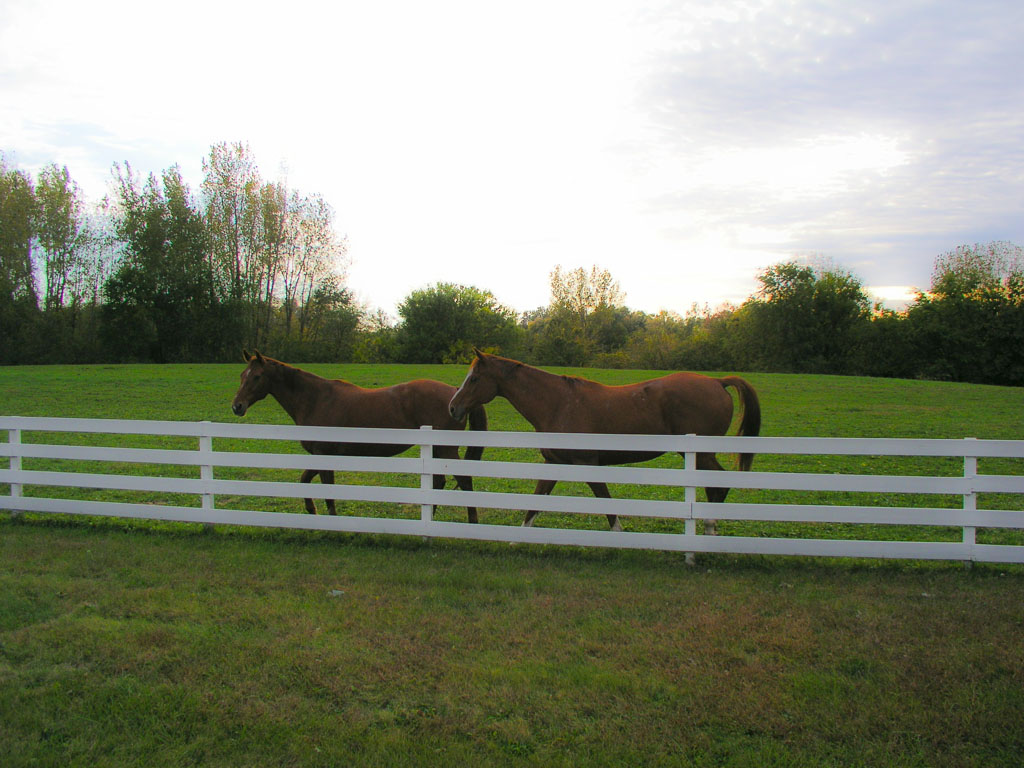
EffectOriginal
Summer to Fall EffectSummer to Fall Original

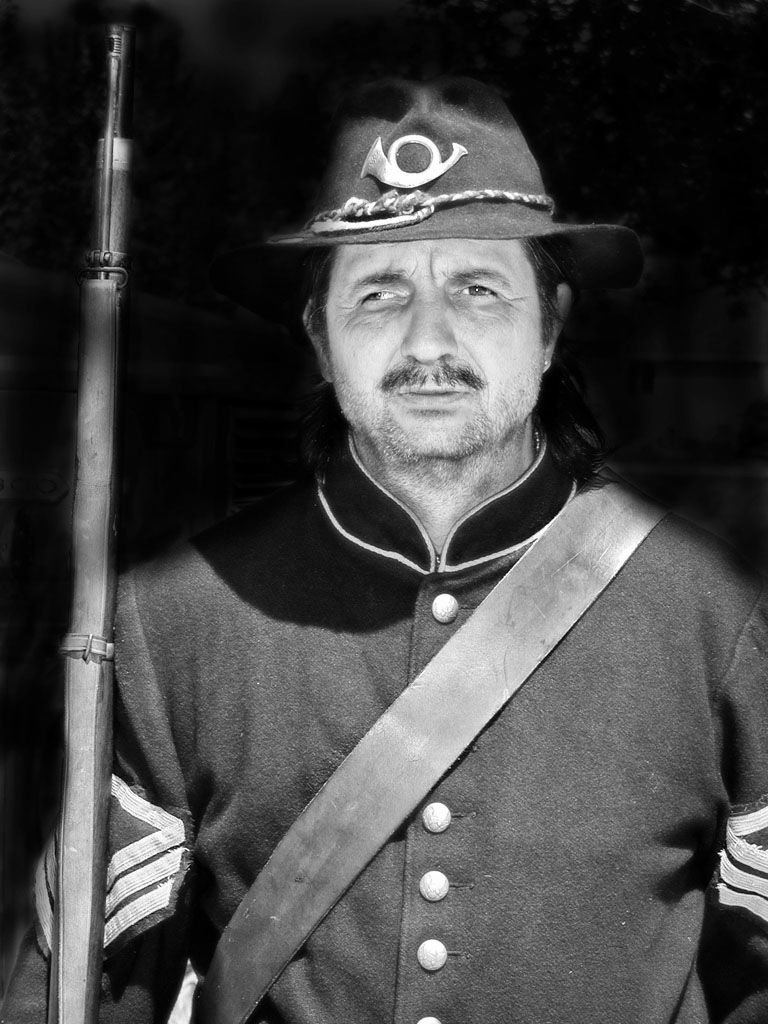
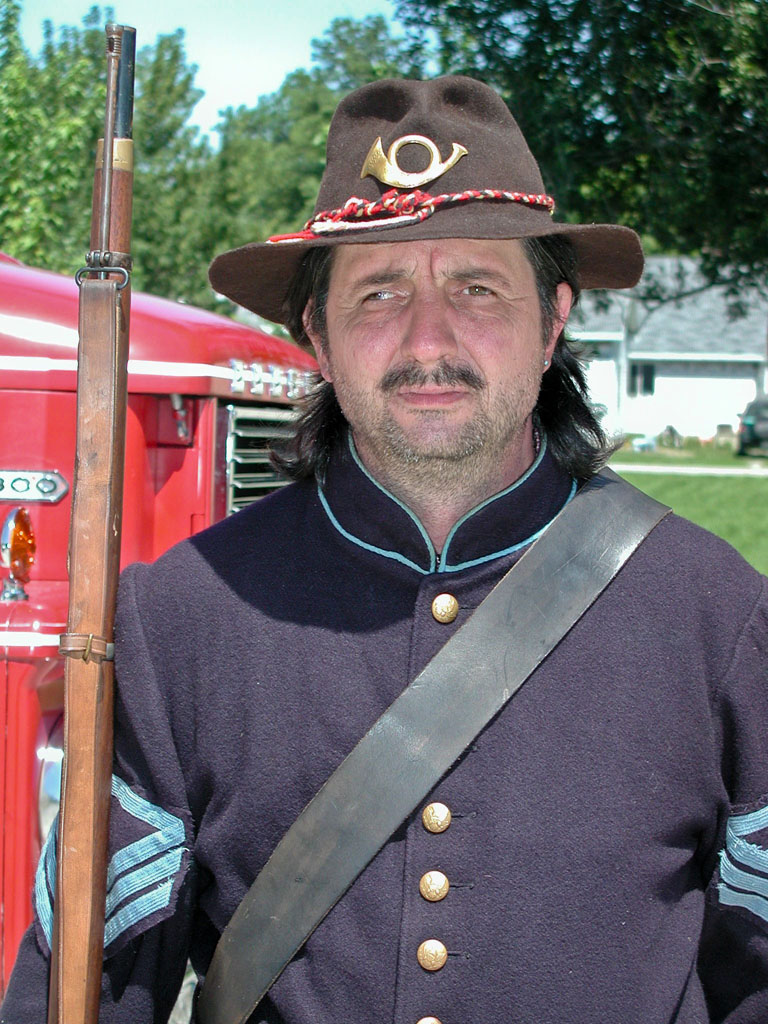
The following photos demonstrate a vintage hollywood glamour effect:

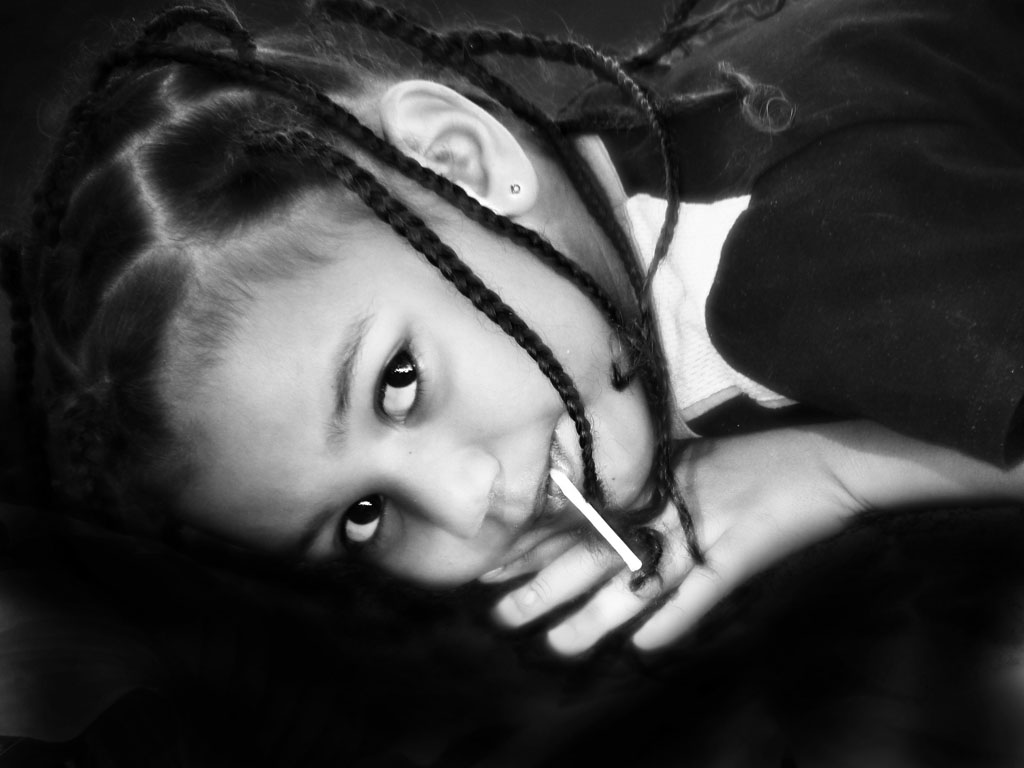
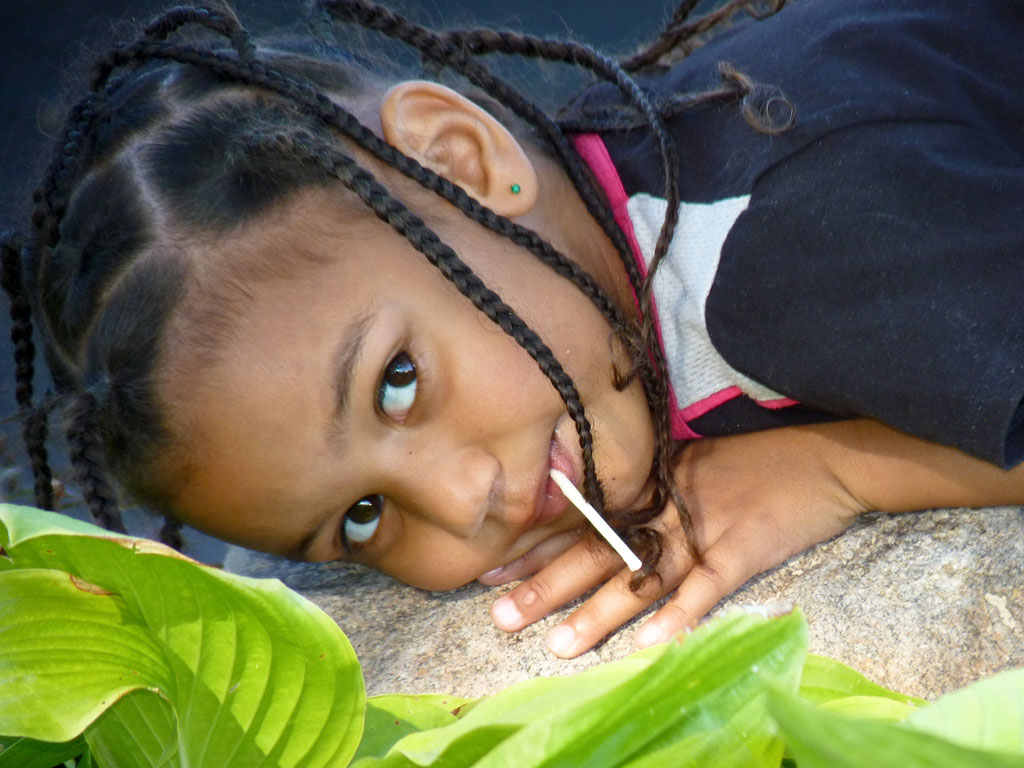
EffectOriginal
Vintage Hollywood Glamour - childVintage Hollywood Glamour - Original
Vintage Hollywood Glamour - Civil War SoldierVintage Hollywood Glamour - Civil War Soldier Original

Stay tuned for more Cookbook effects!

JuneBug

Back to Beginnings

When I first started this blog in 2006, it was with the intent of chronicling my job search, after losing my job of 21 years. I hoped to connect with others in similar circumstances to perhaps find and share encouragement along the way. I also thought it would be fun to share my interests as a hobbyist photographer. Well, as time passed, I found a job, and branched out in other directions. I wrote about my family and the Cafe Rienzi, my great aunt Firma Phillips who was a local scenery artist, and several other other noteworthy personalities and topics. Then last year I lost my job again. So this spring I went back to college through Ivy Tech's Senior Scholar Program which allows people over 60 to take classes for free. Recently I have been blogging about that experience as it ties in with my interest in instructional design.

With this post I'd like to get back to the blog's original intent, my interest in photography. This past semester I had a wonderful opportunity to take a computer graphics class at Ivy Tech. The first half of the semester we worked in Photoshop and the second half we spent on Illustrator. Having played around with Photoshop version 7 for many years, I enjoyed this formal class immensely and thought it would be fun to share some of the products in the next few posts.

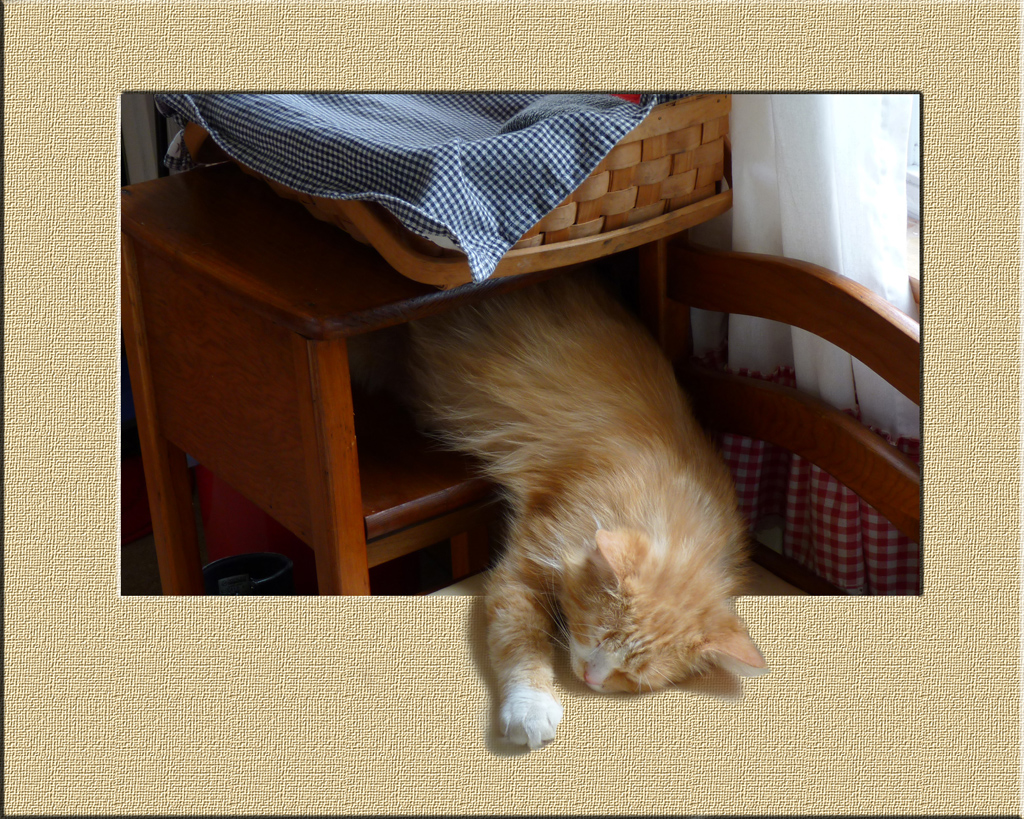
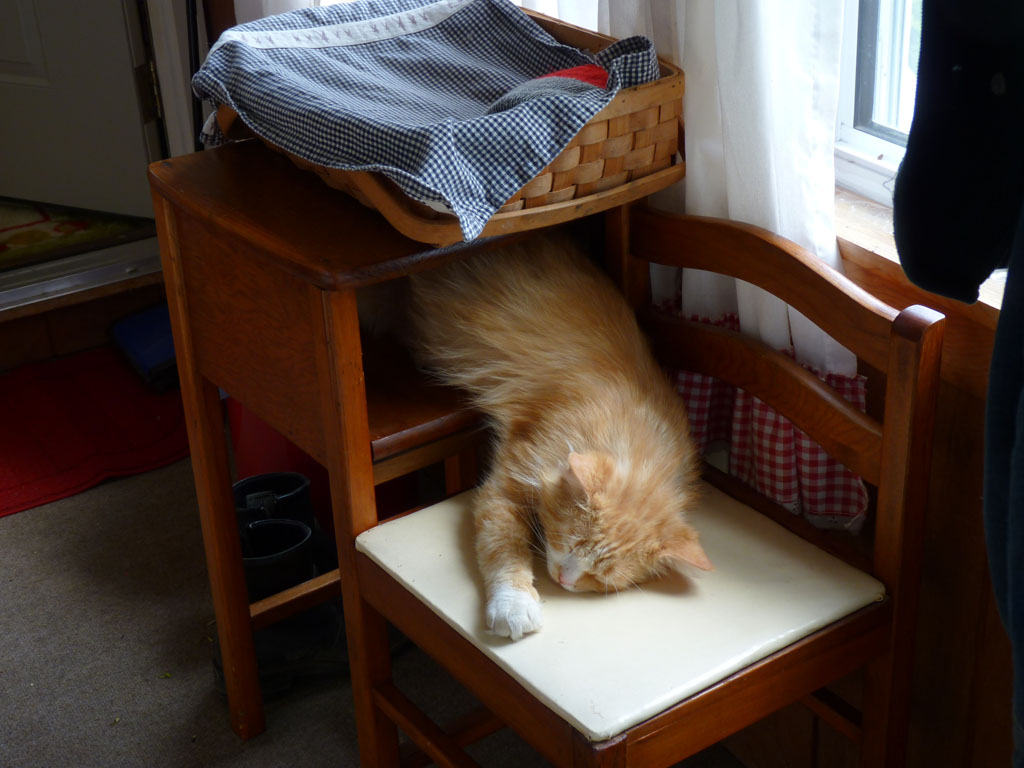
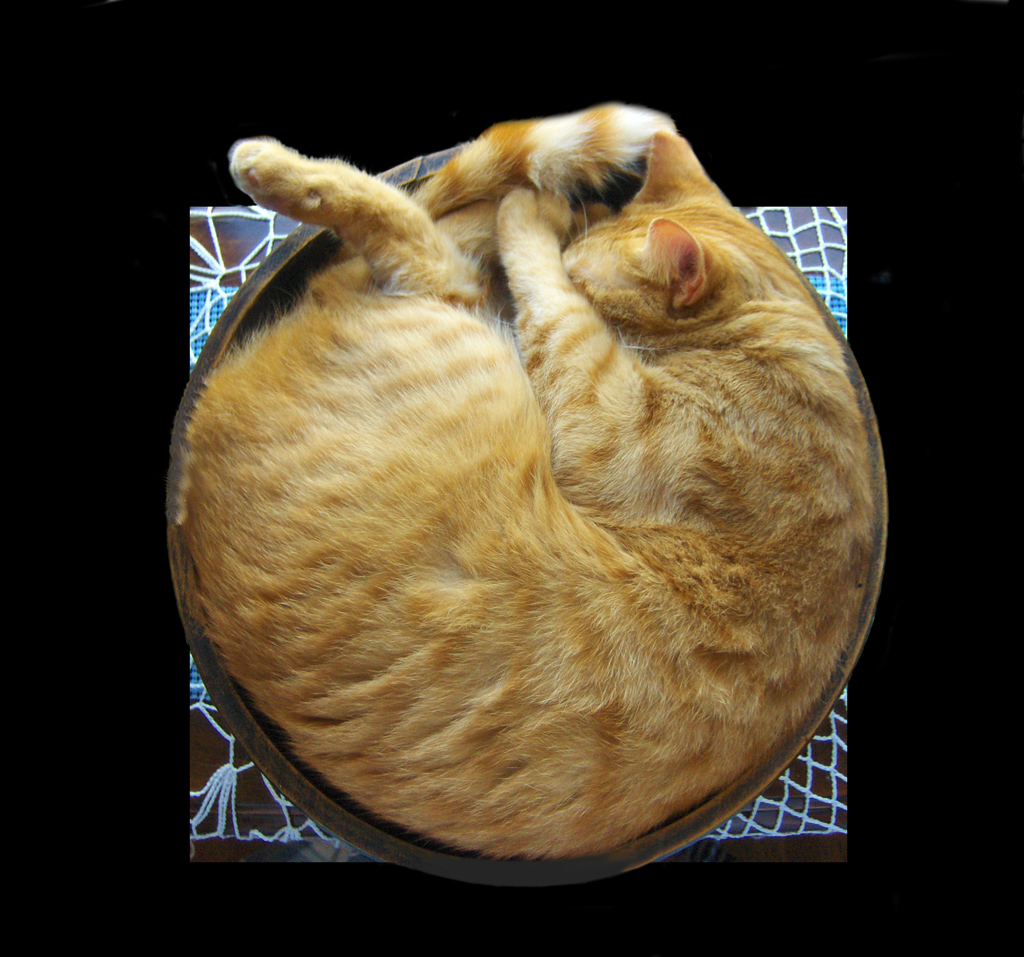
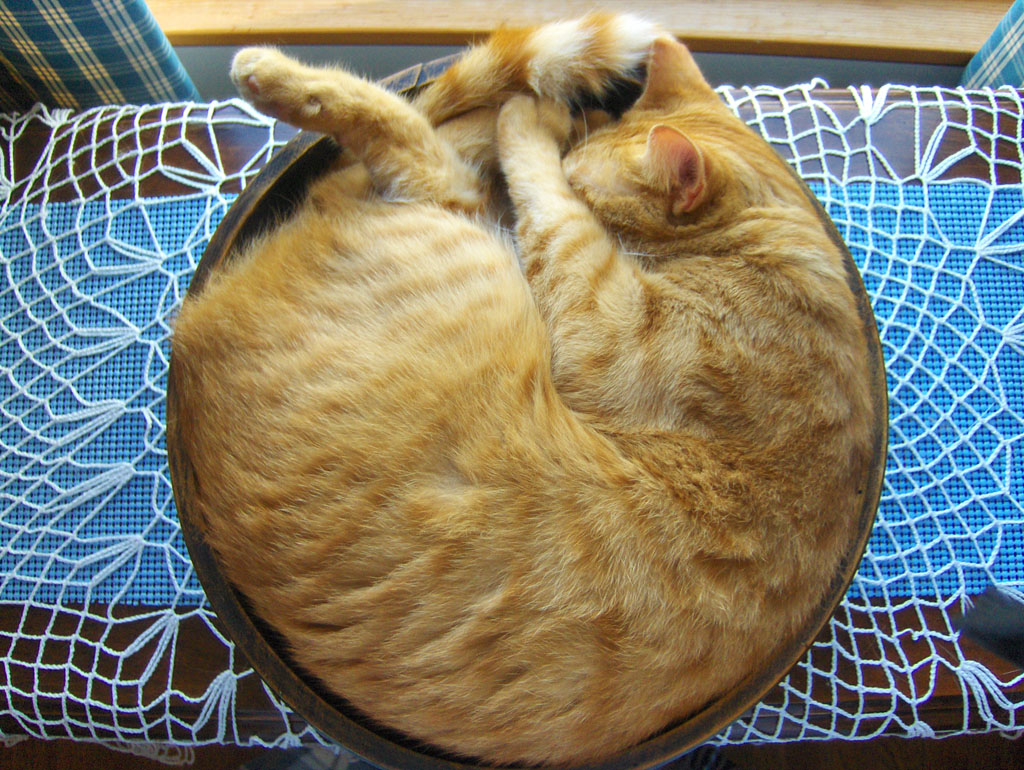
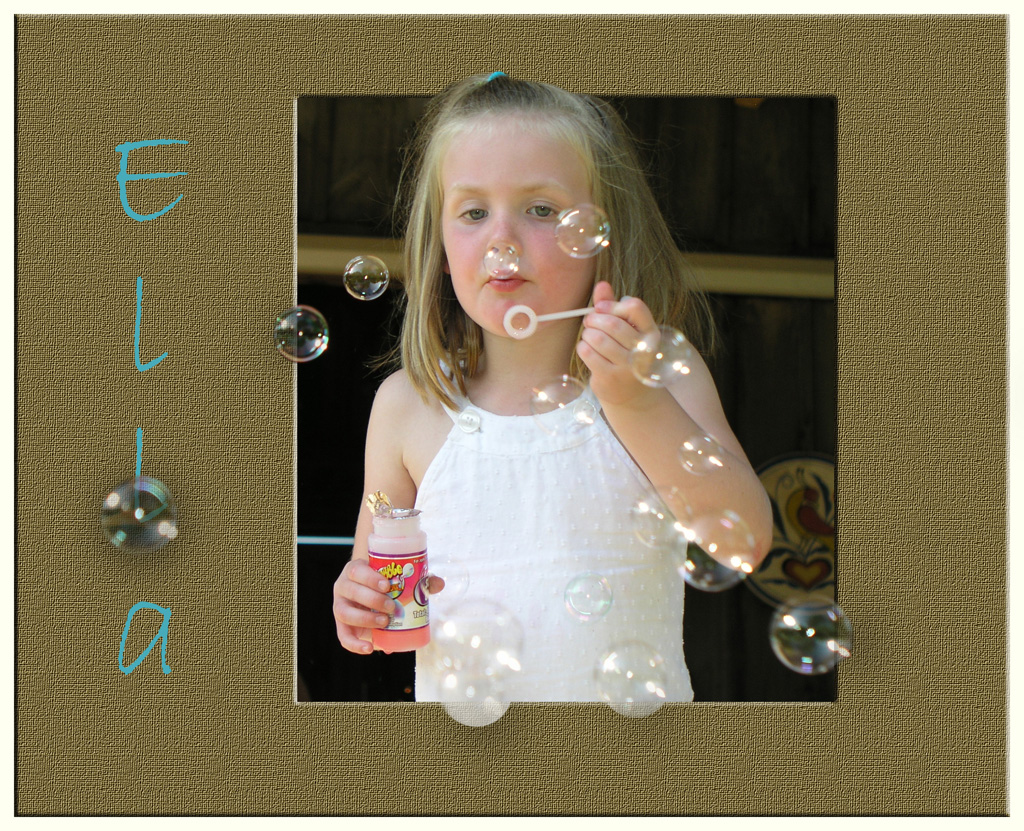
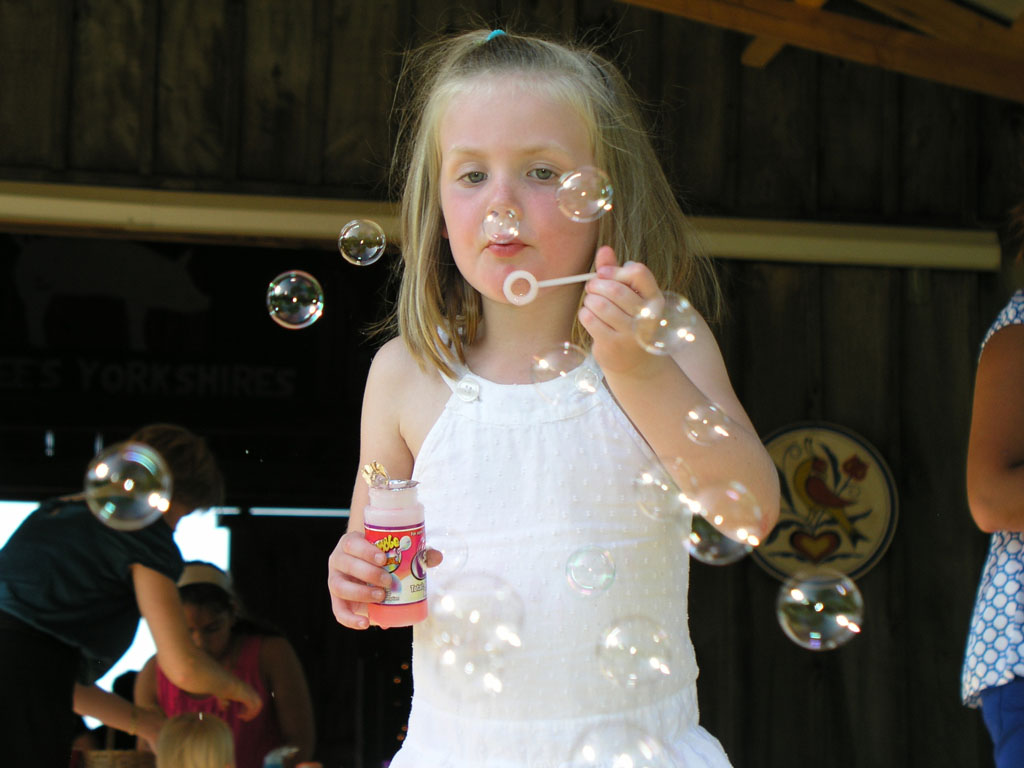
Our first series of projects were from the Photoshop Cookbook. I especially enjoyed the out of frame effect as shown in the following series of photos:

EffectOriginal
Goldie Out of FrameGoldie Original

EffectOriginal
Butterball Out of Frame EffectButterball Original

EffectOriginal
Blowing Bubbles Out of FrameBlowing Bubbles Original

More effects to come! Stay tuned ....

JuneBug

Monday, July 10, 2006

Summer Lights

This picture is as close as I've been able to come to the memories of my childhood when the lightening bugs were out in July.

I'm still learning to take decent pictures of lightening bugs. It's hard. =:O

I took this picture on a very slow setting, the camera propped on the arm of a bench to steady it, no flash,and with the multiple spot meter setting. (Hence the streaks) I then "developed" and enhanced it in Photoshop with the curve, saturation, and artistic tools, to make the little guys show up like they normally would to the naked eye. :)
There just don't seem to be as many lightening bugs in recent years as I recall in my mind's eye ...


Back yard fireflies


Click on the image to see it at higher resolution


Fire FliesCome ride with me 'neath fading skies,

past floating fields of fire flies

Like champagne bubbles, they burst and rise,

and steal the star light from the skies.

Now here, now gone, the summer flies,

and fades to autumn before our eyes

So come ride with me in the pale moonrise,

past floating fields of fire flies
Jeanne Winstead Copyright 2001 more of JuneBug's poetry


Happy ShutterBugging!

JuneBug

Tuesday, April 04, 2006

April Sunshine

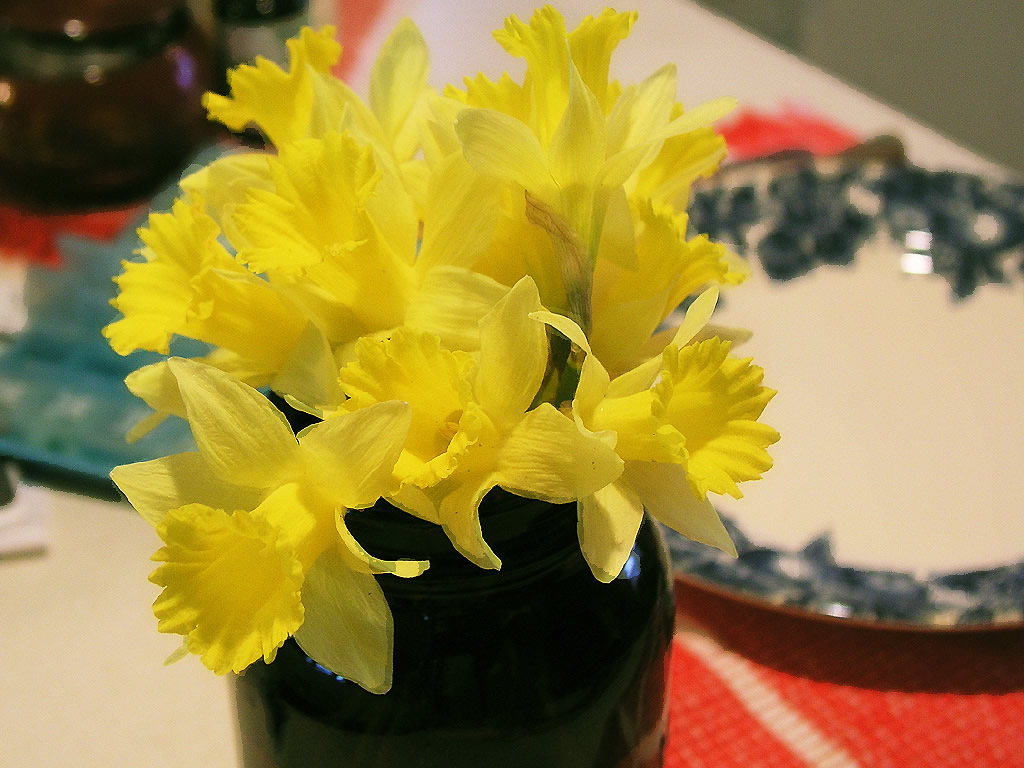
Time for another photo post! I picked my first bouquet of daffodils in my new home this week. It was a special treat because I never had much success with daffodils at my previous residence of twenty years. But the former owner of this place sure did, as you can see.

One of my favorite blogs is entitled November Sunshine. Indiana springs are often as cold and sullen as Novembers are gray, but if yellow maple leaves are November Sunshine then surely the yellow daffodil is March and April Sunshine. :)
Nothing really revolutionary here. I applied the Photoshop palette knife filter to this photo. (I often wonder what my late great aunt Firma Philips would think of desktop computers and programs like photoshop. She was an artist and often painted from photographs from a client when she couldn't paint from a live scene.)
Anyway, here it is! Click on the image for a 1024 version if you want something larger, like for your desktop.


Happy Spring Shutterbugging!

JuneBug

Thursday, March 09, 2006

Looking toward spring

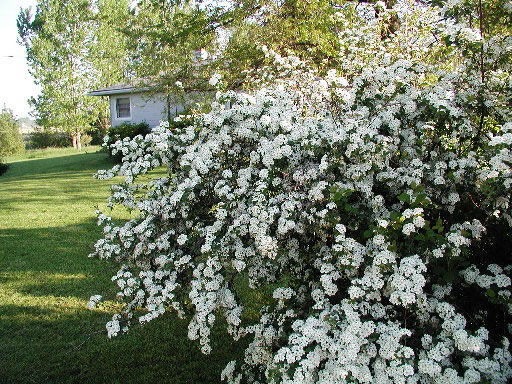
In our neck of the woods, spirea is one of the earlier blooming bushes of spring. I always look forward to the fragrant grace of spirea's long, cascading white branches. Here is a pic of abundant spirea blooms taken with my Olympus C3030 digital camera.


I wanted to use this photo for computer wall paper, but it didn't possess the sharpness and detail I had hoped for at larger sizes - perhaps due to camera shake or memory limitations or whatever. At any rate, I tried out Photoshop's palette knife effect to make the image look more like a painting. I was pleased with the results. The image seems almost impressionistic in how it relays a moment of light and color on a young spring morning.


Click on image to see full size photo

Happy Spring Shutterbugging!

JuneBug

Tuesday, February 28, 2006

More Photoshop Artistic Effects


Happy end-of-February, folks! Just a quick post to share a couple more photos with Photoshop Effects applied.

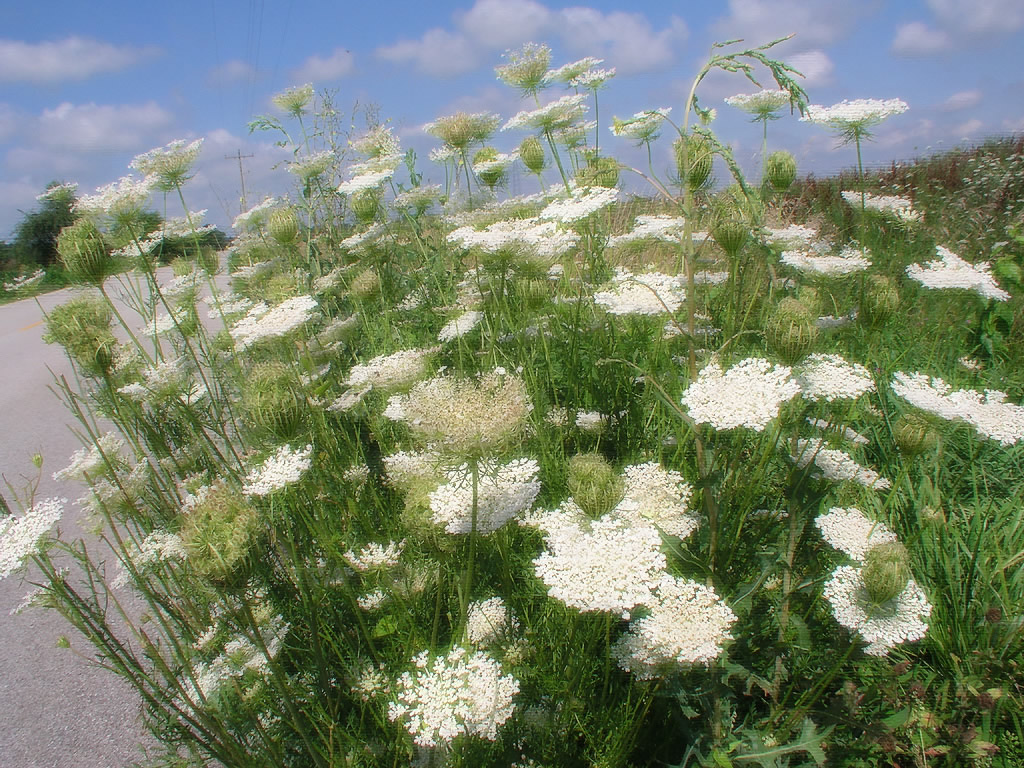
The first - roadside lace - has the underpainting effect applied:

Click image for wallpaper size

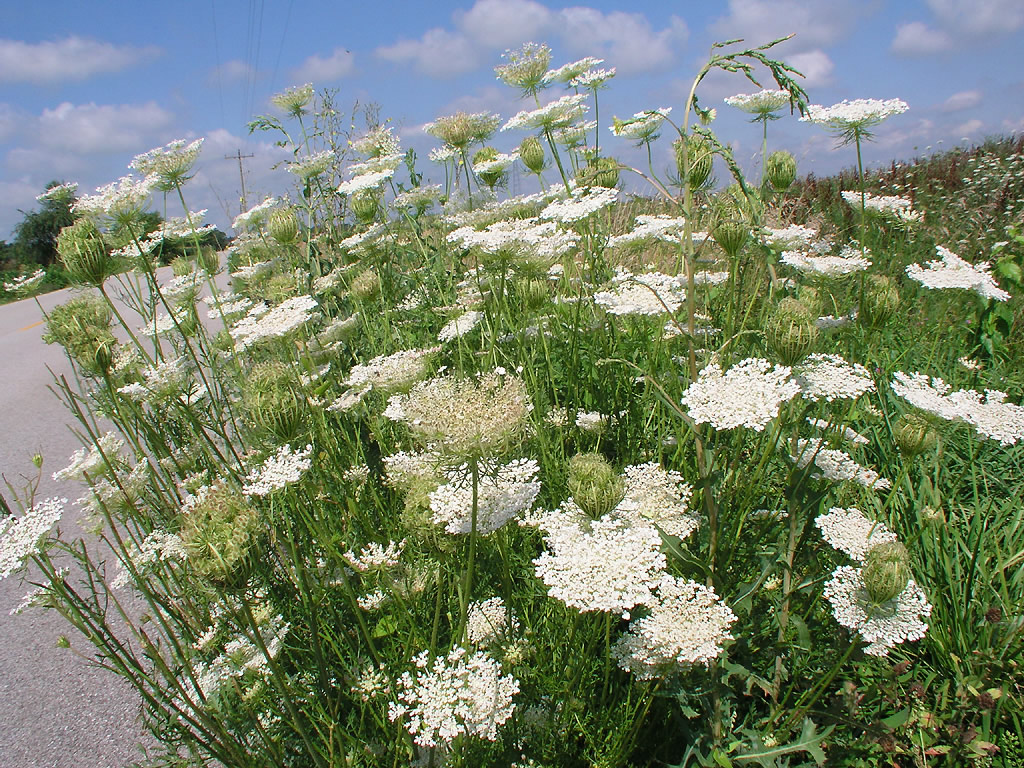
Here's the pic without the effect applied:


Click image for wallpaper size

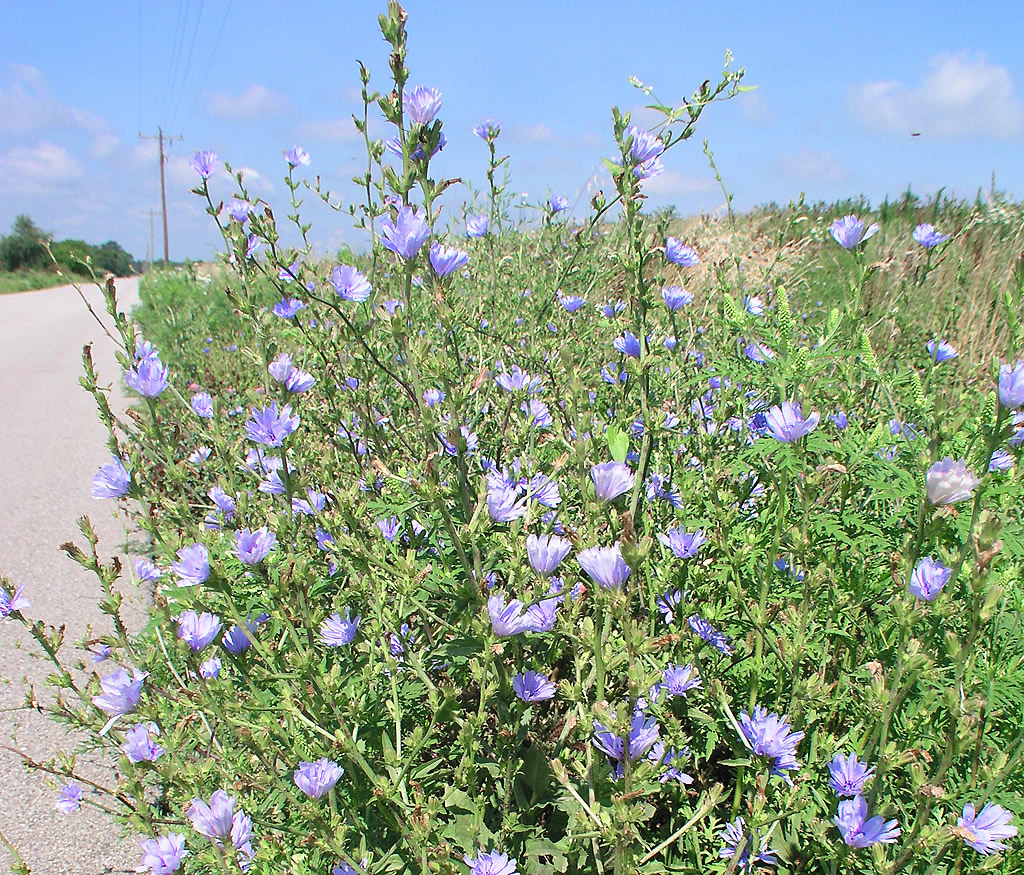
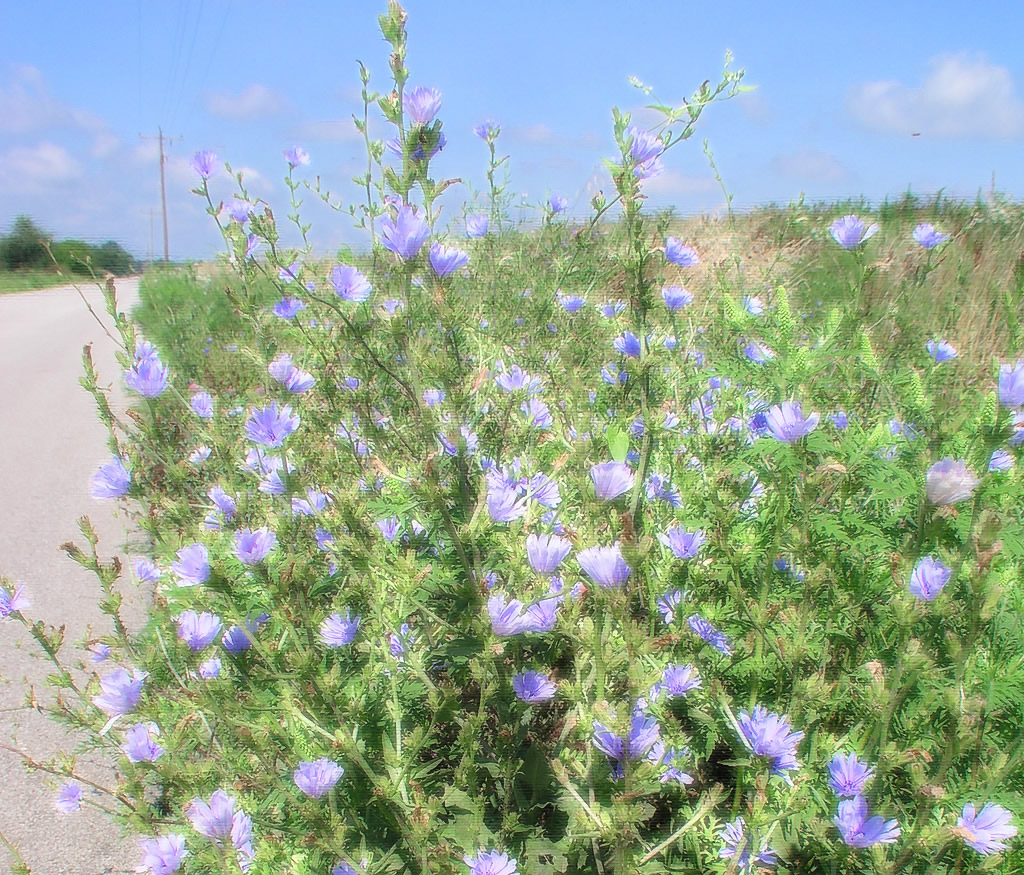
The next pic - summer chickory - has the same underpainting effect applied. I should also mention that I saturated the blues in this pic and also the yellows (and then lightened them) to bring out the flowers before applying the effect. I forgot to mention in my previous photoposts that Photoshop has a "fade effect" option on the edit menu, so that you can lessen whatever effect or adjustment you apply. It's pretty cool.


Click image for wallpaper size


Here's the pic without the effect applied.


Click image for wallpaper size

Some pix just seem to make really good candidates for Photoshop Artistic Effects - maybe try it with one you really like, but you didn't get as sharp or in focus as you would have preferred. What effect you choose depends on the photo's subject and composition. It may lend itself to water color, to pencil, to oils, or something else. You just have to experiment with the various artistic effects to find a good "match." So rather than throw something away, turn it into a more "forgiving" image. I think these effects sometimes capture what I was trying to express more than the original photo.

Happy Shutterbugging!

JuneBug, looking forward to spring

Thursday, February 23, 2006

Developing Pix with Photoshop

JuneBug's Job Hunting and Photography Blog


Time for another photo post, folks. :)

I took a photography course at our community vocational college back in the 90's. They didn't have a dark room, so we never learned to develop our pictures. But I remember the teacher saying doing your own developing was almost as key to the final result as setting up and taking the shot. I also remember her saying how long it took to develop color pictures and how once she'd worked all day on just one shot. Several years later I traded in my wonderful Pentax manual SLR camera for my first digital camera an Olympus 3030. I know, I still kick myself and wish I had the Pentax back, but at the time, it was the only way I could afford a good digital camera. The Olympus came with software called CAMEDIA, and the gamma feature, along with the cropping, sharpening, color balance and saturation tools became my new best friends as I attempted to get my photos to display not simply as the camera showed them, but as I remembered them. Then I was introduced briefly to Photoshop and Macromedia Fireworks at the university and eventually was able to procure these products at a sharply discounted price for my home machine.

Now I don't mess with CAMEDIA at all.

Photoshop is my favorite photo editing software, and I've been discovering all sorts of tools with it recently. In addition to the ones mentioned above, Photoshop's curves and levels seem to really zero on certain details in the photo. I don't claim to really understand how these tools work - but I'm sure having fun experimenting!

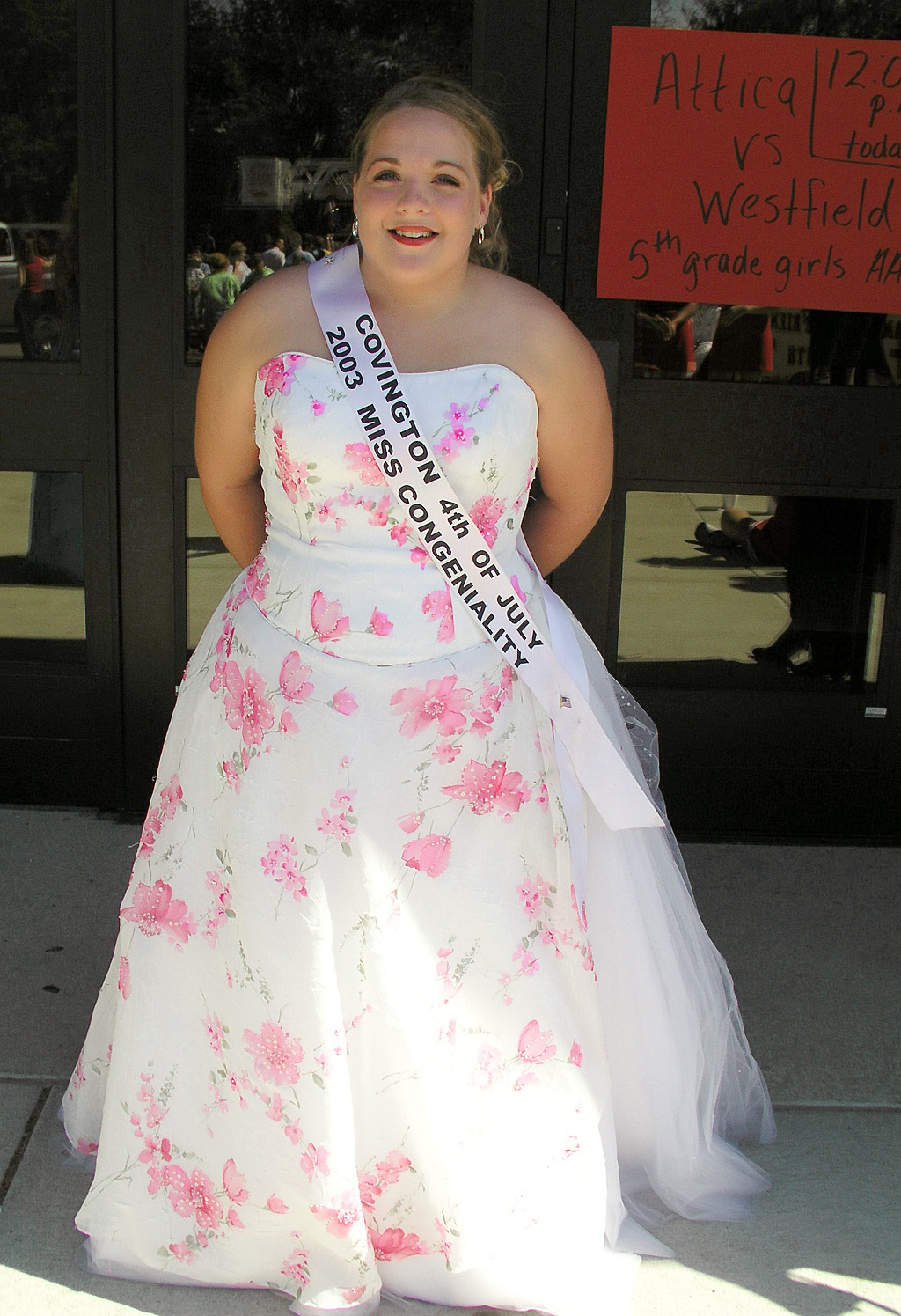
Here's a photo I took at the annual Potawatomi Festival Parade back in 2003.

Click on image for larger size
Back then the only way I could bring certain details out of the shadows (like the subect's eyes and hair) was the lighten the whole photograph with the gamma tool - and then try to resaturate the colors with the saturation tool. But here's the photo edited in Photoshop. By using certain features in Photoshop's levels tool in addition to Photoshop's color balance, selective color saturation, and curves, I was able to bring this gorgeous miss in her lovely dress out of the background and to give her eyes and a head with hair without fading the entire photograph too much. You the viewer can be the judge of the results and which version you prefer most. :)

click on image for larger size
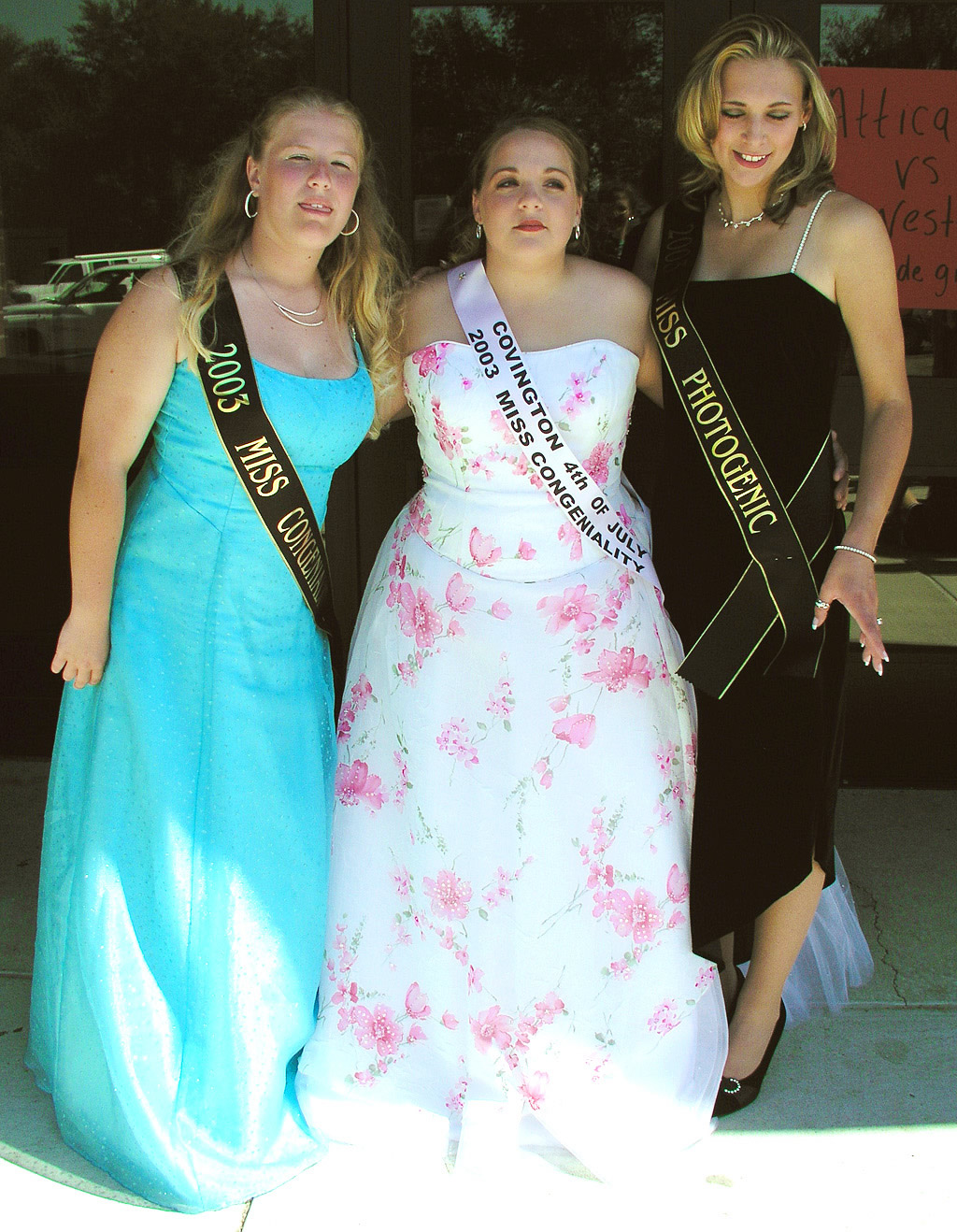
Here's another shot, unedited, of this young lady with other members of Potawatomi Parade royalty.

click on image for larger size
I mostly used the curves tool and some color saturation in Photoshop to accomplish a similar effect in this photograph - couldn't avoid losing some pretty detail in the dresses unfortunately. I also did some pretty funky things with the color balance tool ... Anyway, here's the edited shot:

click on image for larger size


Anyway, enlightening comments, critiques, and information in general and especially about setting up, snapping, and developing photos in these types of lighting and color situations gratefully appreciated! I think these pics would have turned out better if the girls had been completely in the shadows so the camera didn't have to deal with the extreme range of light. And if that weren't possible then a fill flash would have helped? And then there's the whole issue of asking people you don't know to pose ...

Happy Photographing,

JuneBug

Tuesday, February 21, 2006

What? 2 Posts the SAME Day? =:o

JuneBug's Job Hunting and Photography Blog

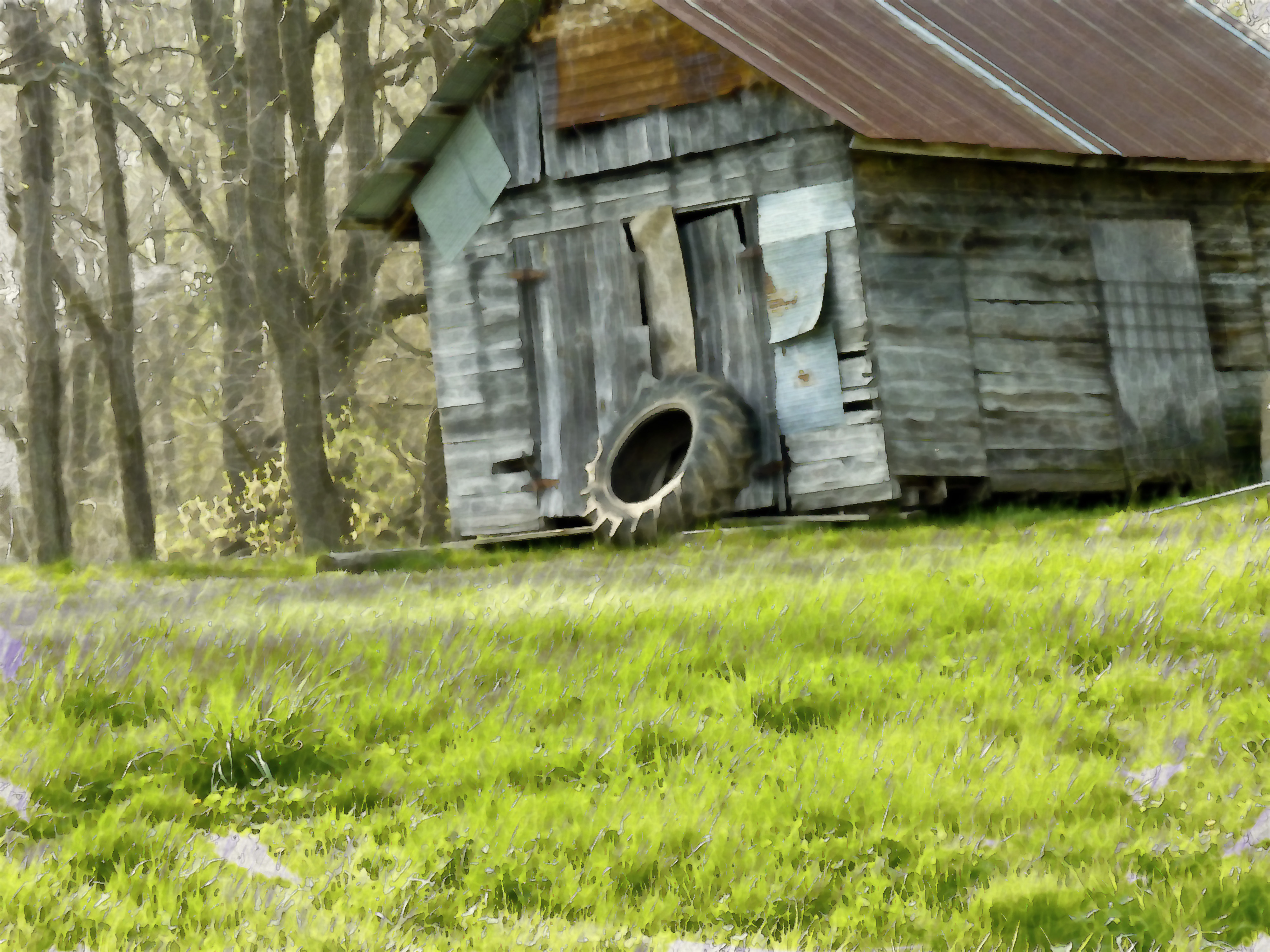
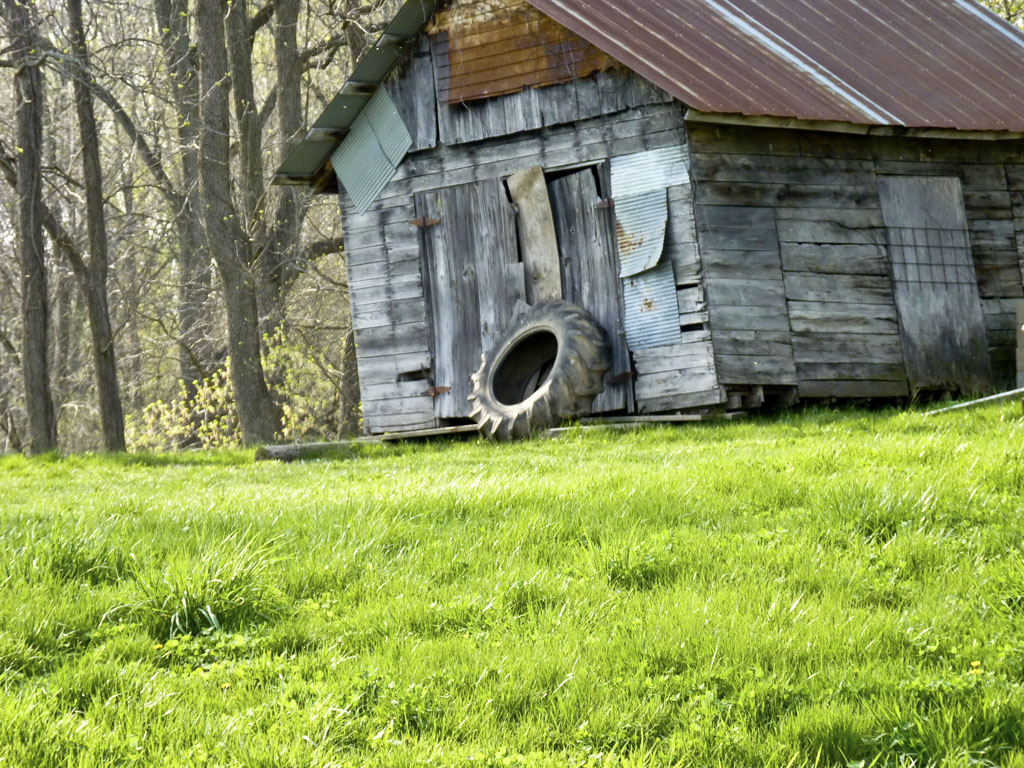
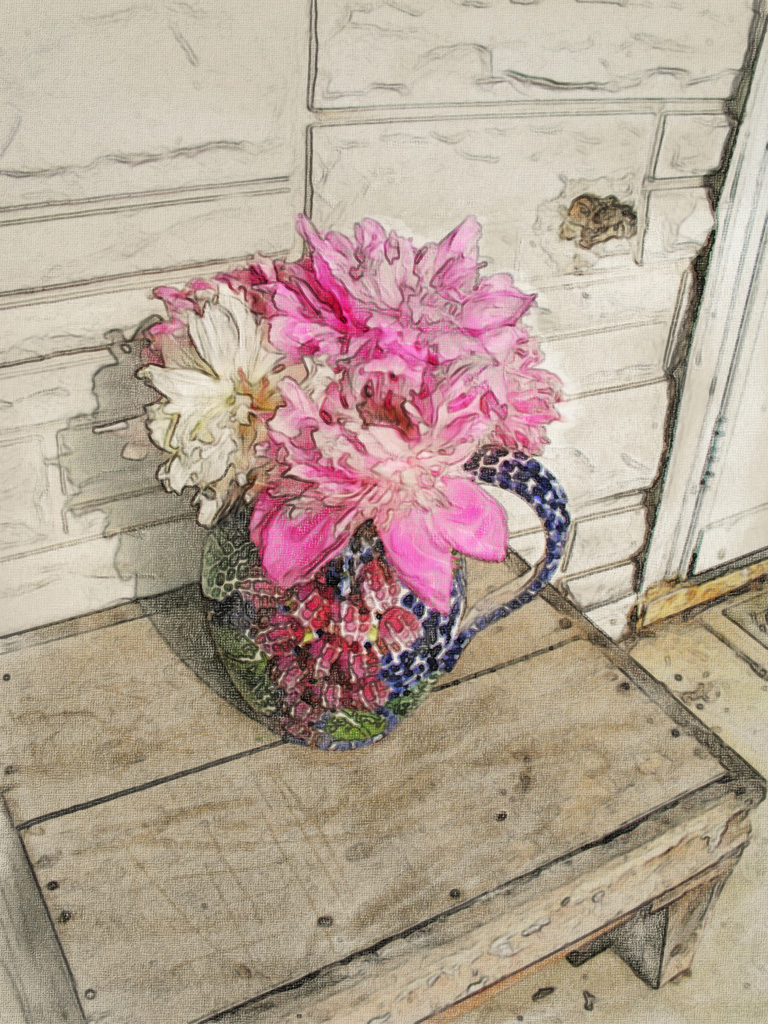
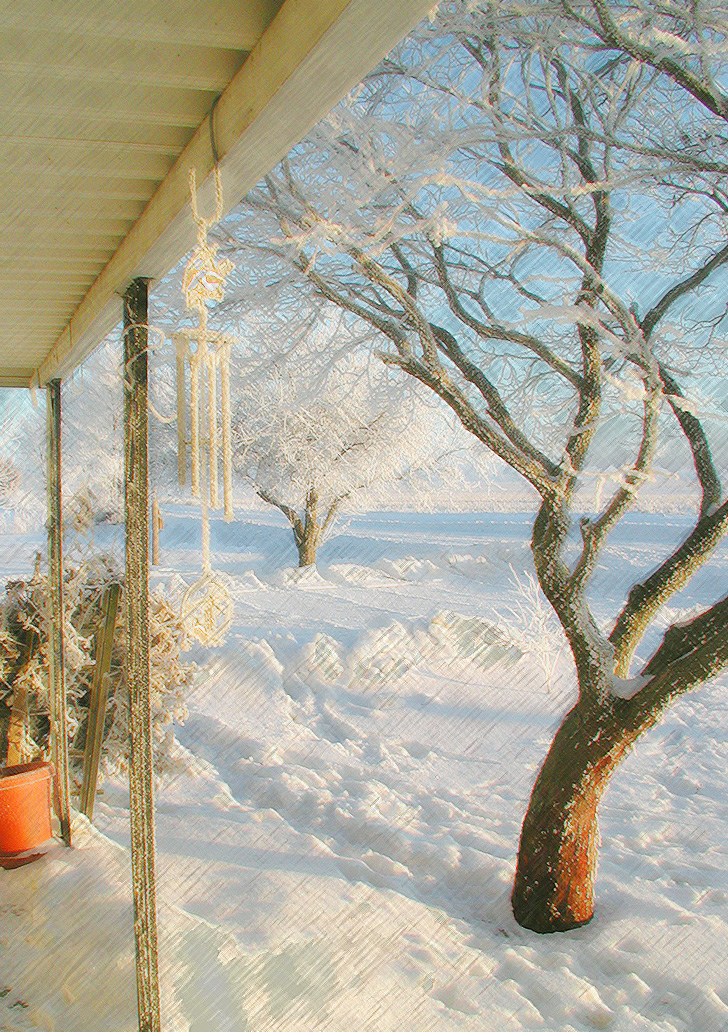
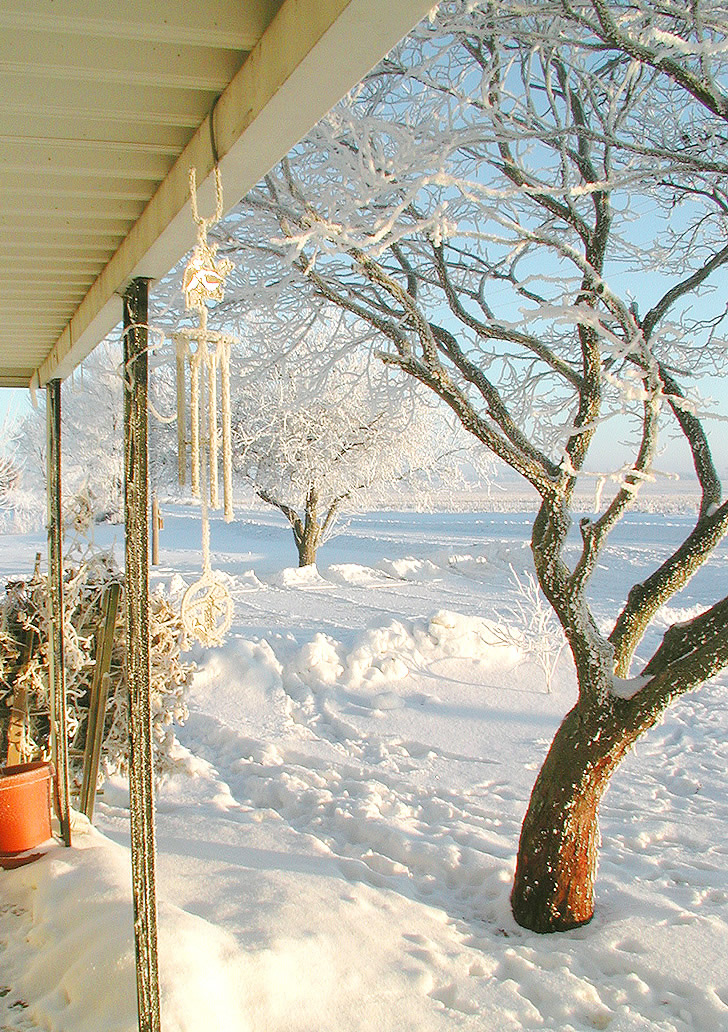
Well, who knew I'd be back so soon, lol! I promise this won't become a habit. But as promised here's another image with the Photoshop filter applied. This one's the front porch of our former home - on such an incredibly beautiful winter morning. I worked and worked at getting this image to show how delectably crunchy, icy white the world was that morning, but somehow the camera wasn't seeing what my mind's eye remembered. If only I were a professional photographer instead of an amateur! Anyway, I applied the Photoshop pencil drawing filter to this photo and was pleased with the results. The sharp pencil lines seem to bring out the crystalline nature of the snow or hoar frost. At least to me.

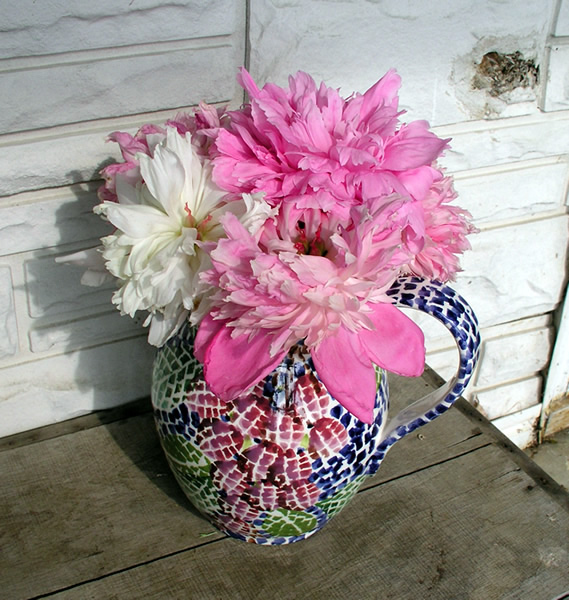
Again - the photo with the filter applied and then the original with just the sharpening applied:


click on image for larger view

click on image for larger view

This also reminds me of many years ago when I took a serious drawing class in college through the art department. I was in awe of the delicate and exquisite technique that some of the students already seemed to possess.

My husband wonders why I spend so much time at this stuff - I come by it honestly- I have a great aunt, now deceased who was a well known scenery painter in Indiana. Her name is Firma Duchene Phillips. If you ever come across any of her paintings, drop me a note. :)

Happy Photographing!

"Purdue Pink"

JuneBug's Job Hunting and Photography Blog: February 2006

Wait a minute. Isn't that supposed to be Purdue GOLD?


;)


(arghh - where are the message board smilies when you need them) Read on ...

Well, here's my first photo blog. I won't be like some people and publish a photo a day, or even week, lol, but as I find suitable subjects and the time ... :)

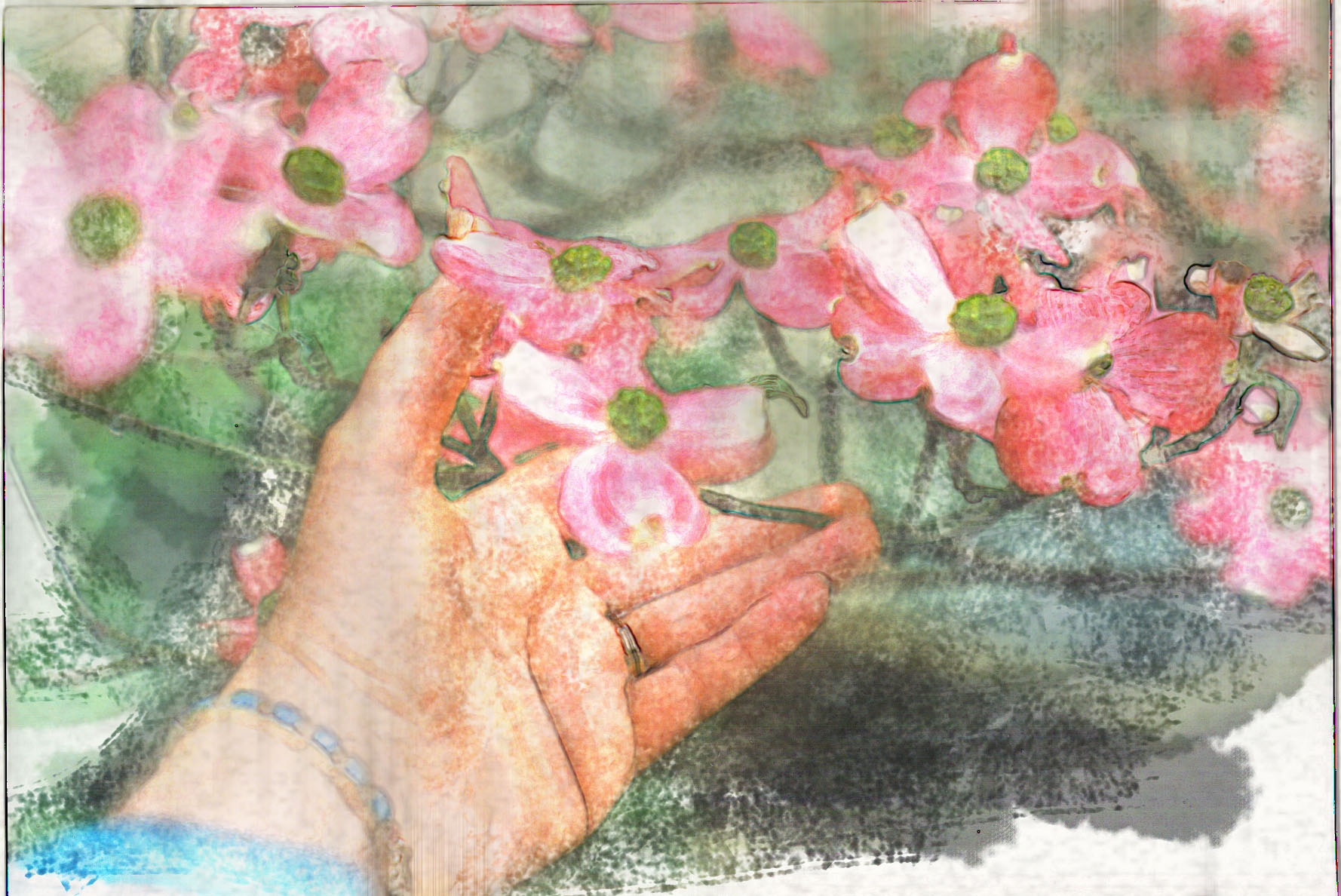
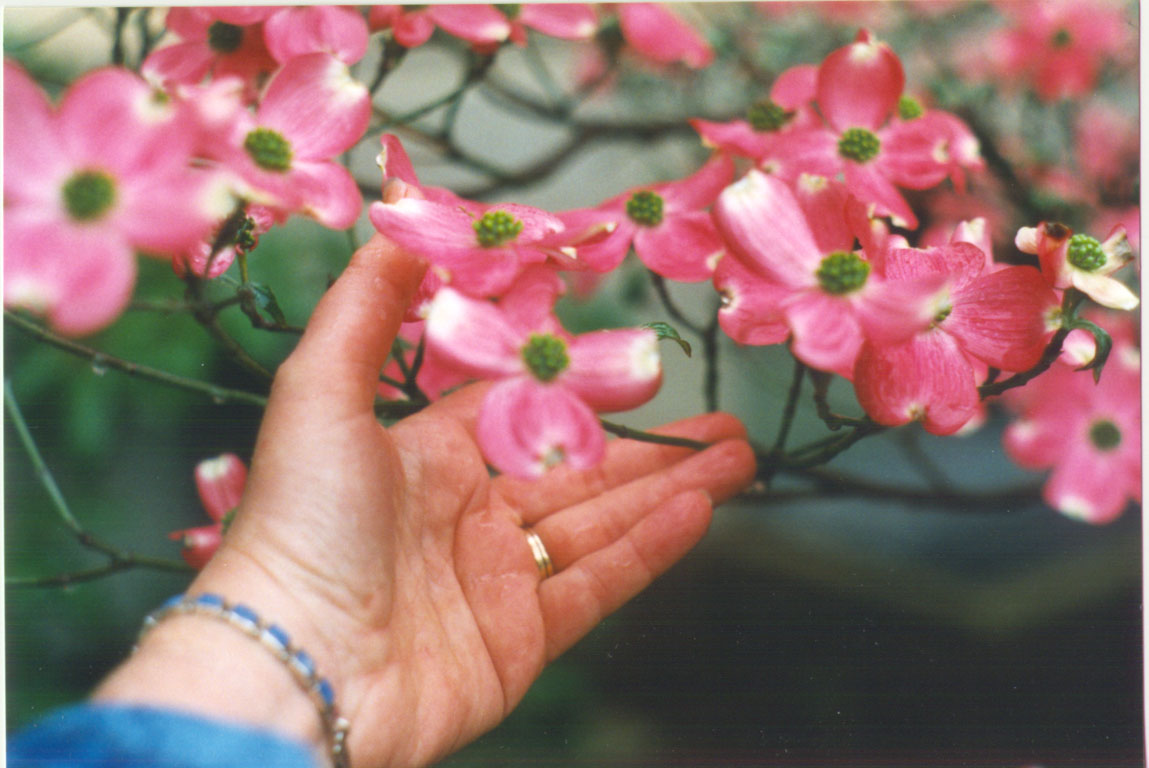
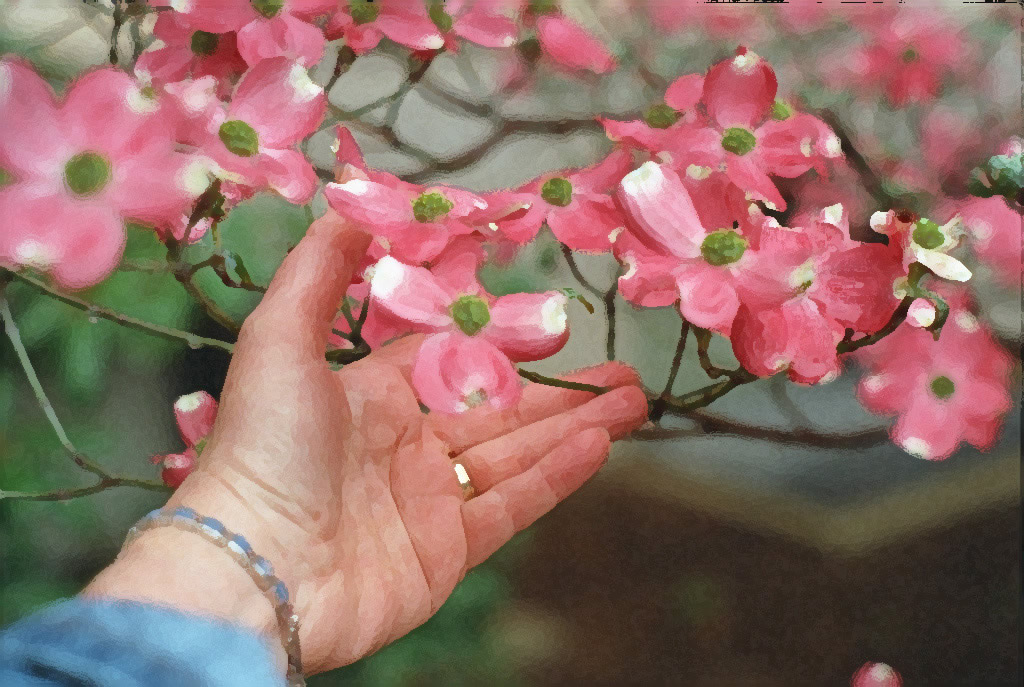
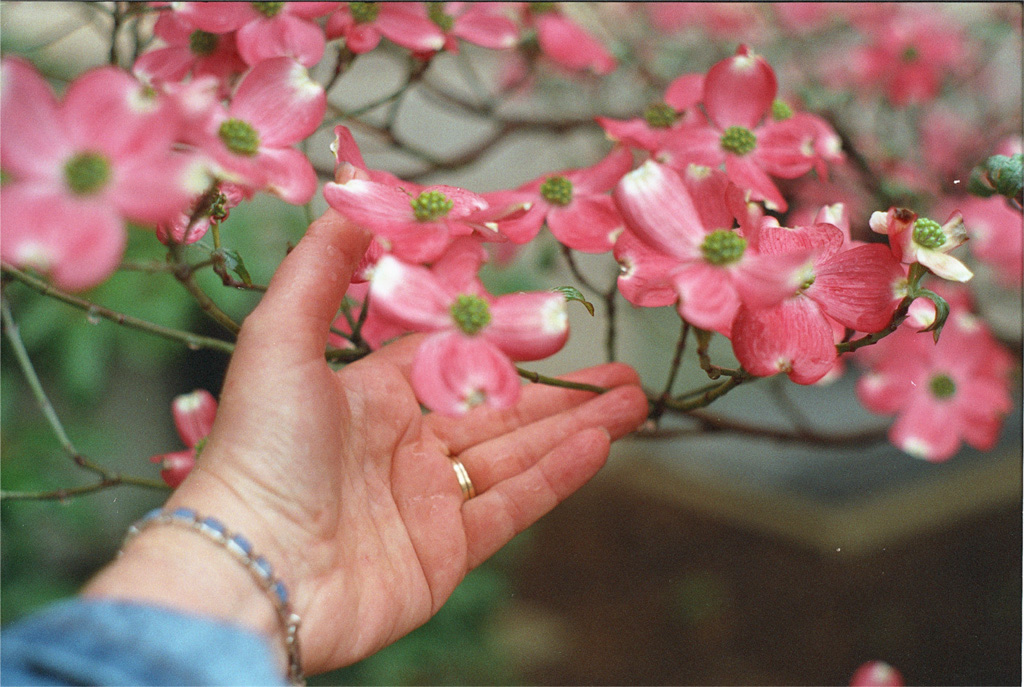
Anyway, in the process of updating my photography website Second Looks Photography for spring, I came across this photo which I'd never put on the web mostly because it wasn't sharp. But it does capture so beautifully the colors and form of the subject, a pink dogwood that I photographed a few years ago as I was out walking and enjoying the beauty of the campus. That's the great thing about having a traditional campus like Purdue's. It helps, inspires, and refreshes the intellectual and academic life. :) This shot was taken with my Pentax SLR manual camera and scanned in with my Polaroid negative scanner. Obviously the f-stop is wide open in this shot and the speed is probably relatively low because of the lighting conditions that cold rainy day.

Anyway, I've used Photoshop for some years now to "develop" my pictures. I'm not a graphic designer by training - I don't know design, and I had only beginning instruction in the use of this software. But it seems like every once in a while, I make a leap forward with it and discover new things. (Then I have to go back and incorporate what I've learned into all my old favorites - it's a bottomless pit, lol!)

I tried the artistic filter on this shot - first the water color, and then went with the dry paint brush. I ADORE water color paintings and techniques. Because of the image's overall softness and large blocks of color I thought it might be a suitable candidate. Here's the result:

First the filtered shot, then the original:


click on image for wallpaper size

click on image for wallpaper size

Perhaps another filter effect to come in my next photo blog. Stay tuned. :) Oh yeah, and eventually I will find time, I hope, to complete my profile and favorite links - and design a new template etc.

JuneBug